See it, don’t read it
This is what Smart Legal Pro looks like – in short videos
One minute, one topic: see how case file, deadlines and AI work together – for individuals, law firms and clients.
0:00 / 1:06
Create a contract: loan agreement step by step with live preview
Open video page →All recordings use fictional sample data – no real cases, people or file numbers. AI output can contain errors and does not replace legal advice.
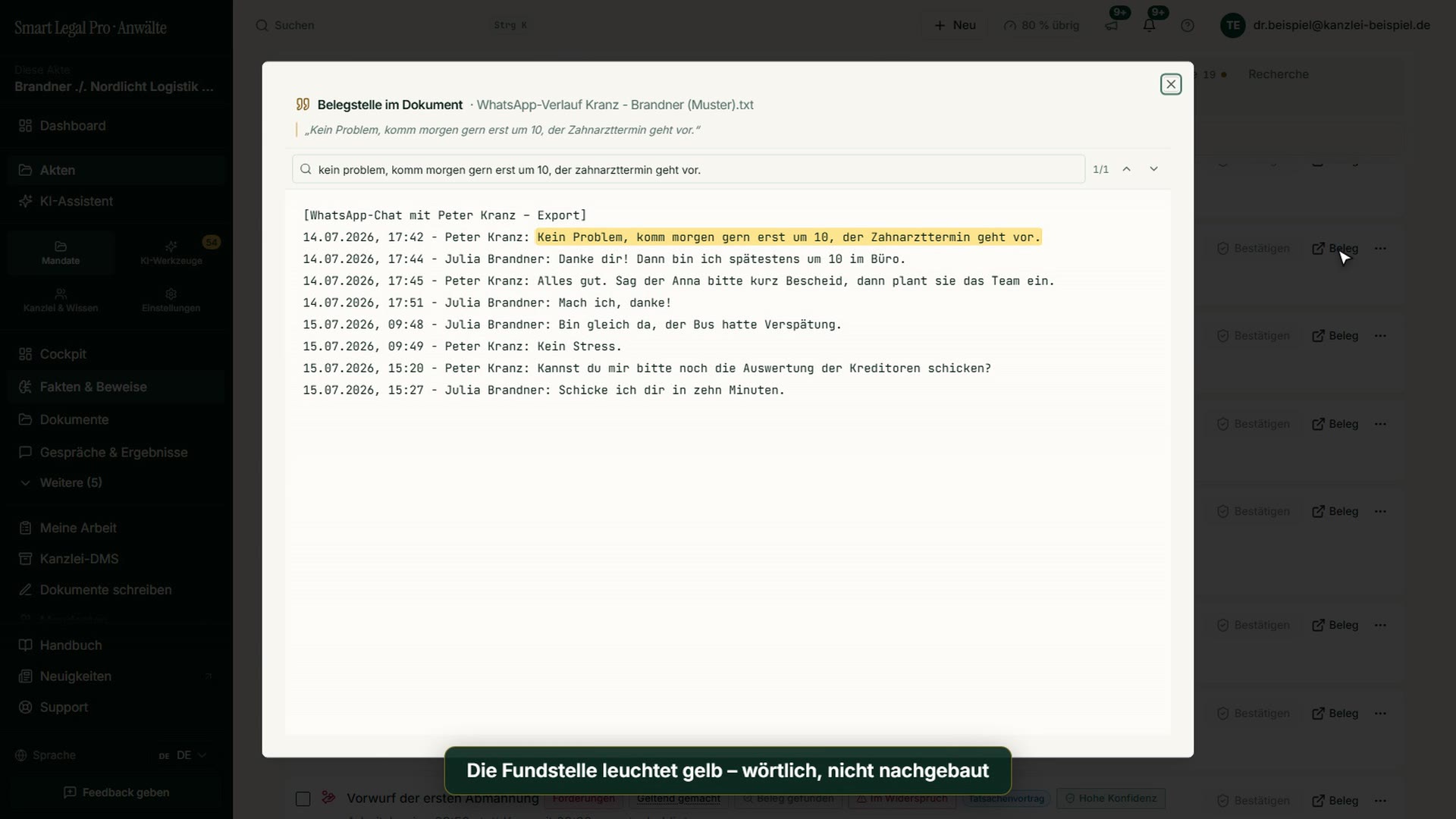
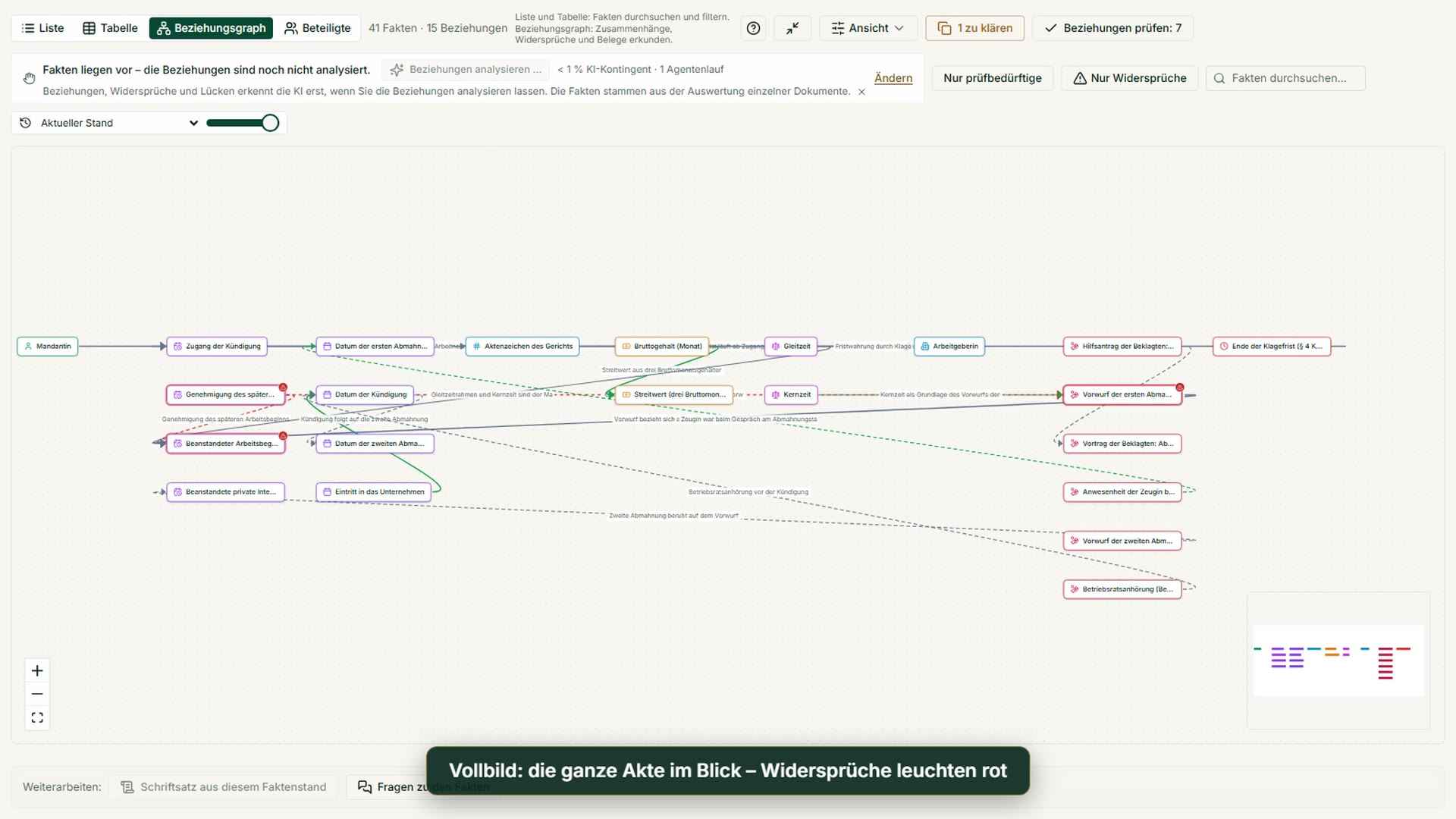
Case file & facts
Videos: 3
Deadlines
Videos: 1
Pleadings & editor
Videos: 1
AI assistant
Videos: 1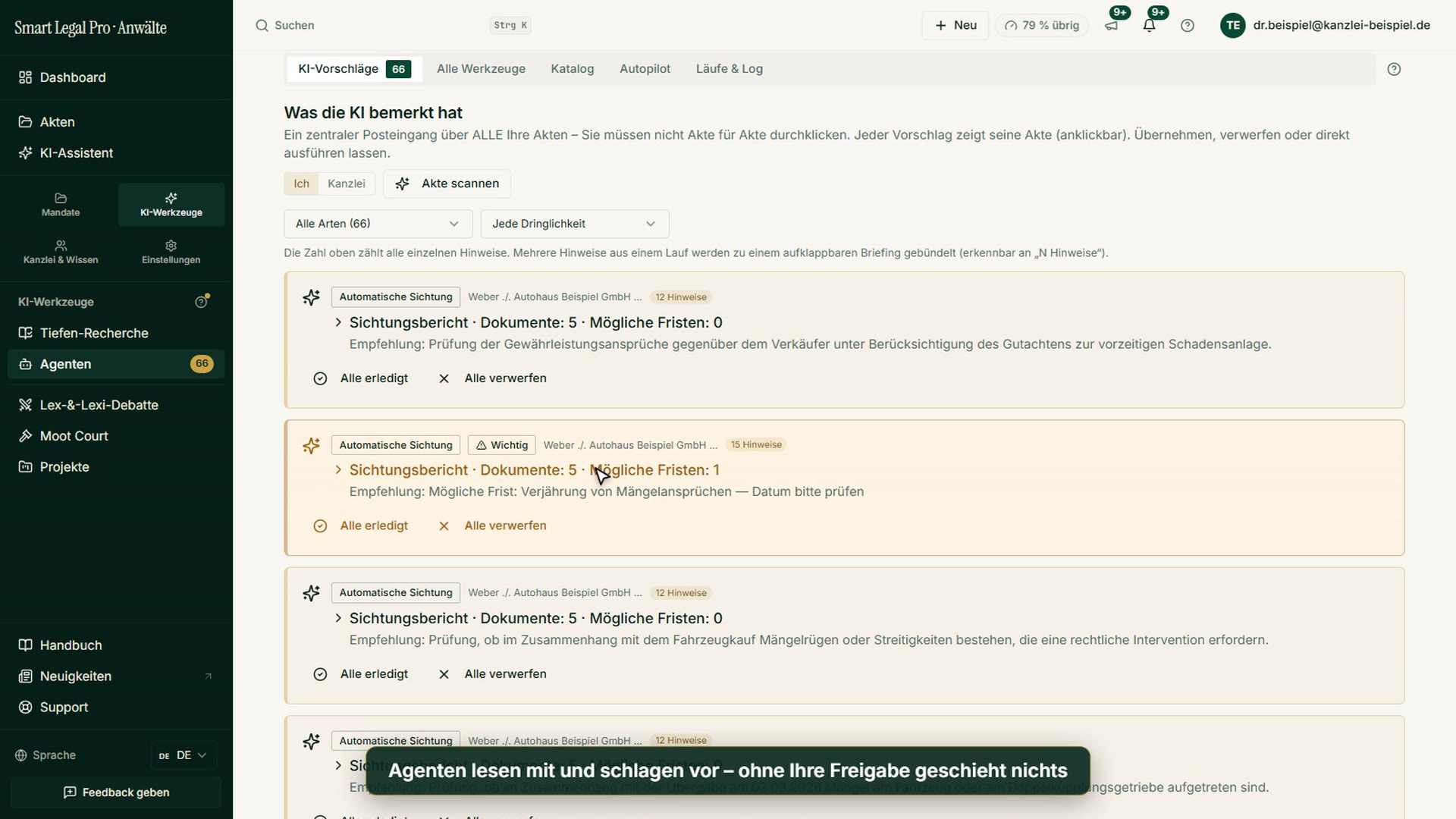
Lex & Lexi
Videos: 2

Contracts
Videos: 1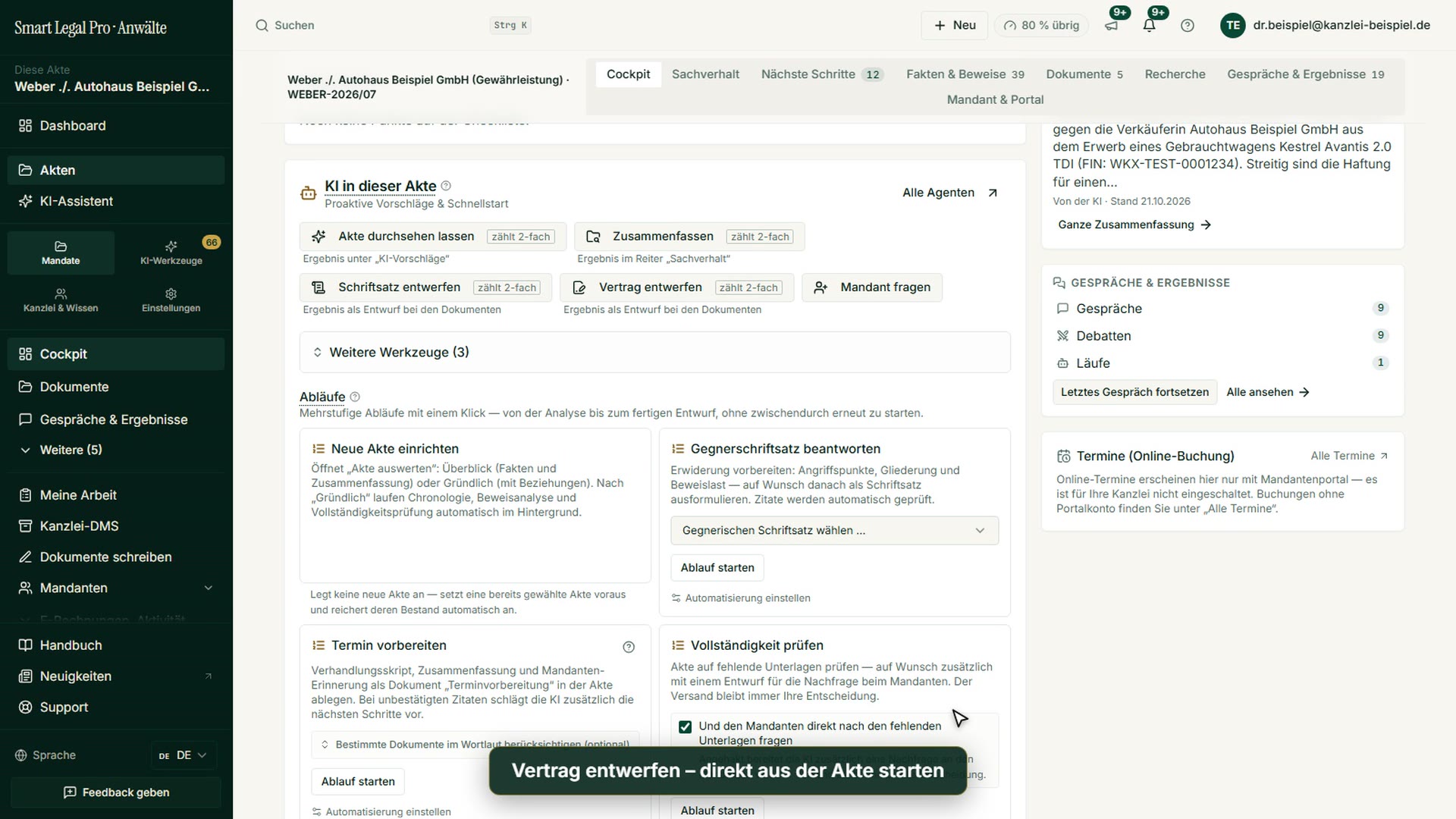
Firm & DMS
Videos: 1
Research & knowledge
Videos: 2

Client portal
Videos: 2

Understanding proceedings
Videos: 3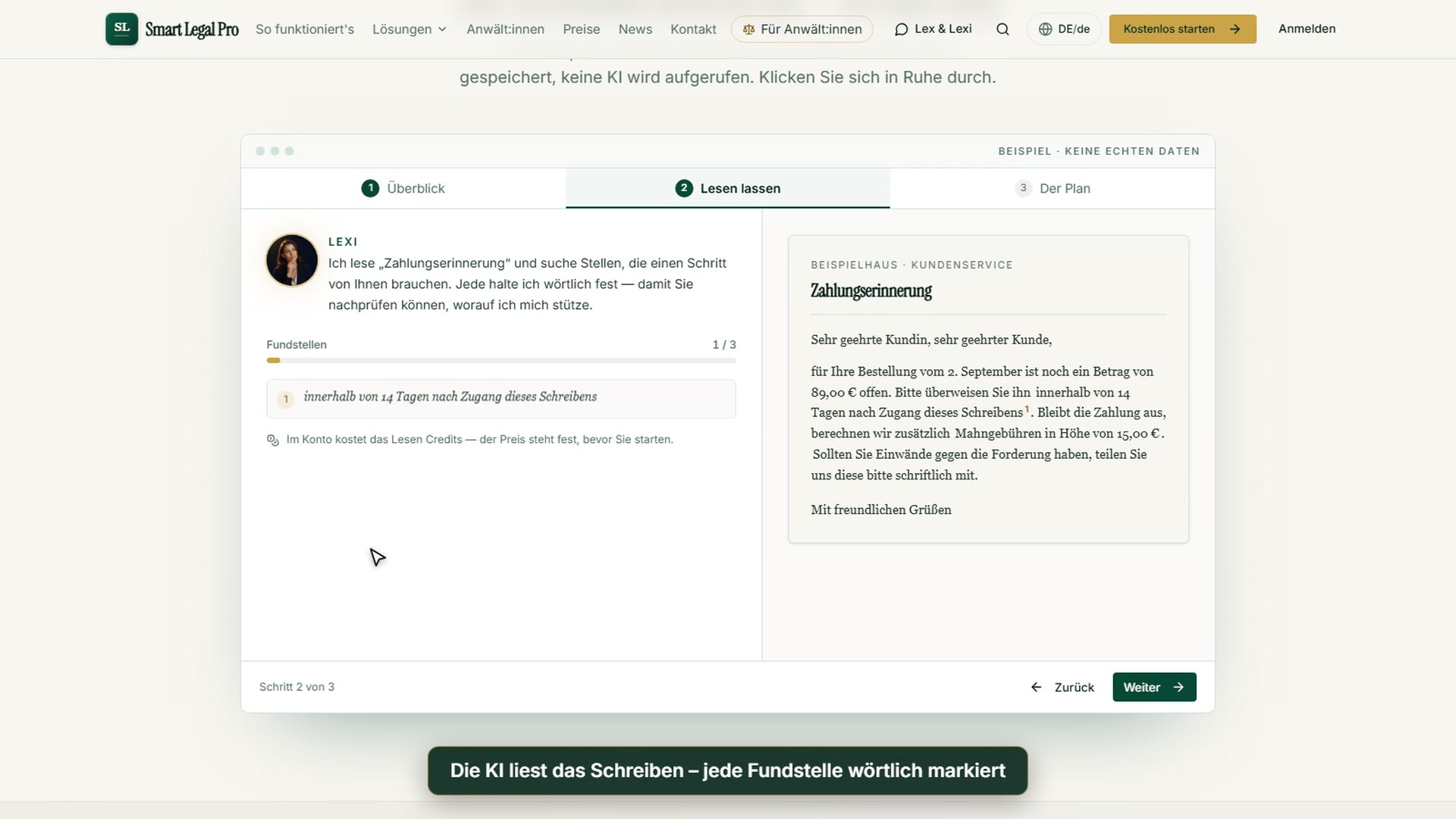

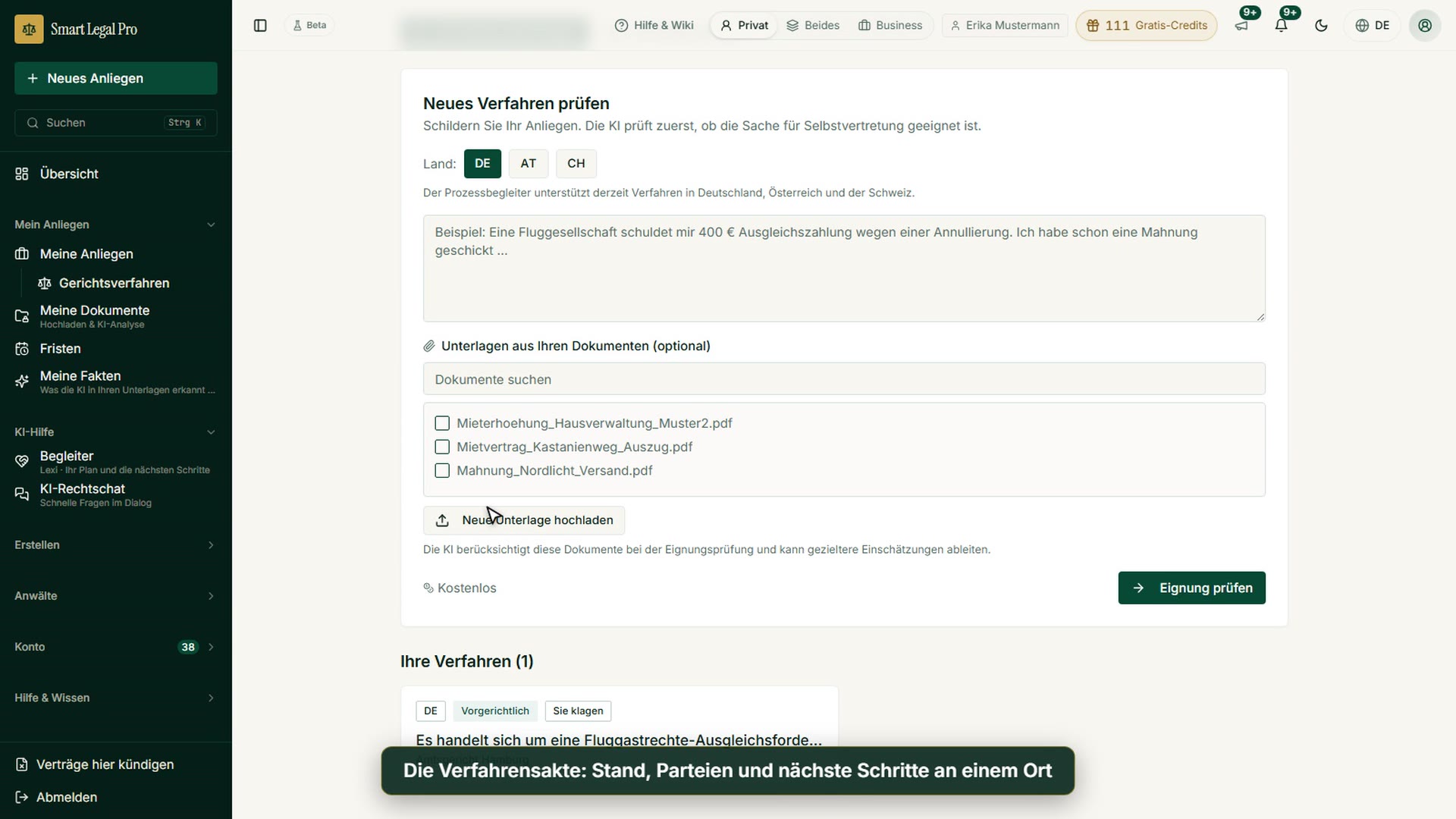
Letters & replies
Videos: 1
Creating contracts
Videos: 1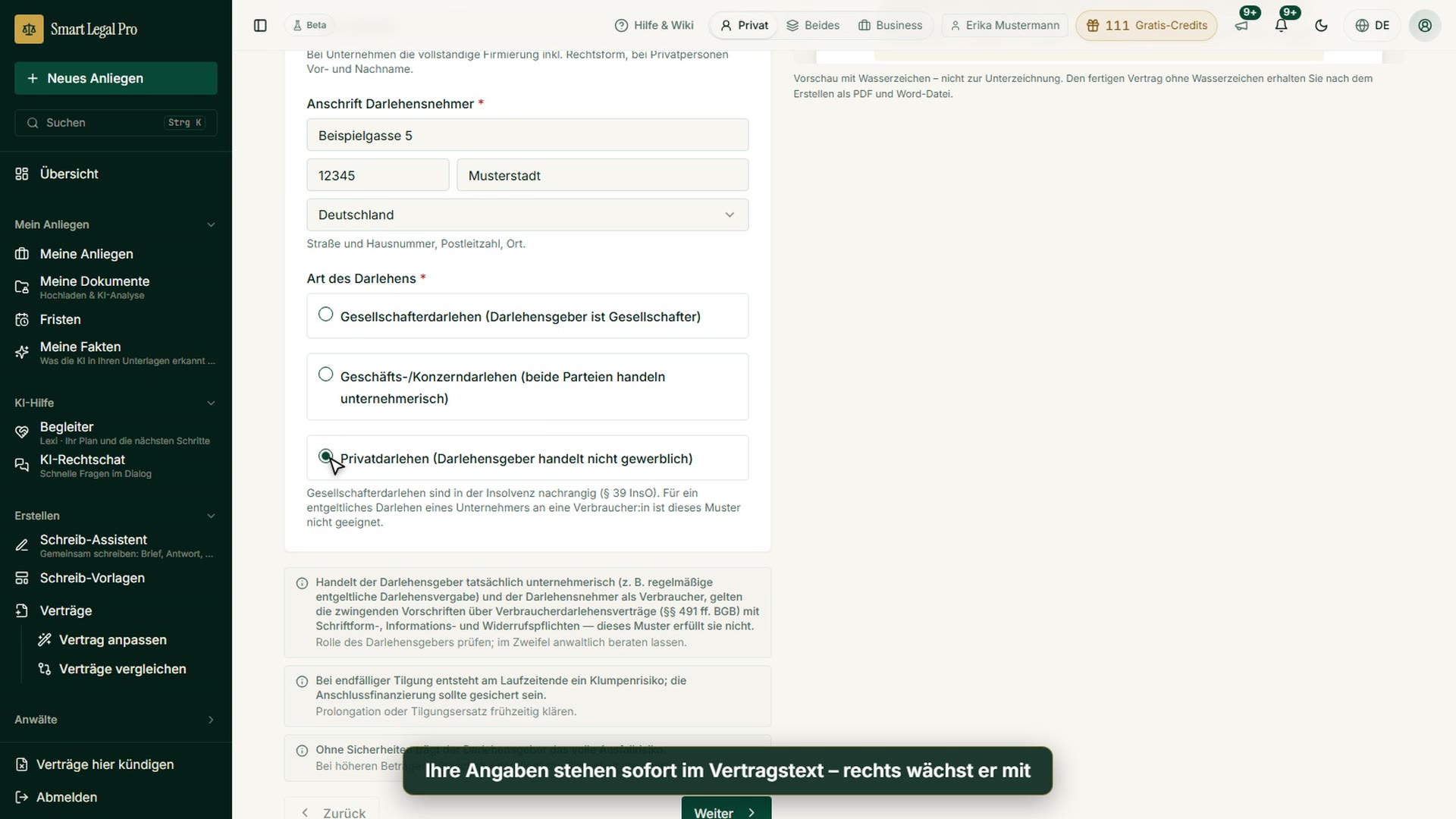
Checking a contract
Videos: 1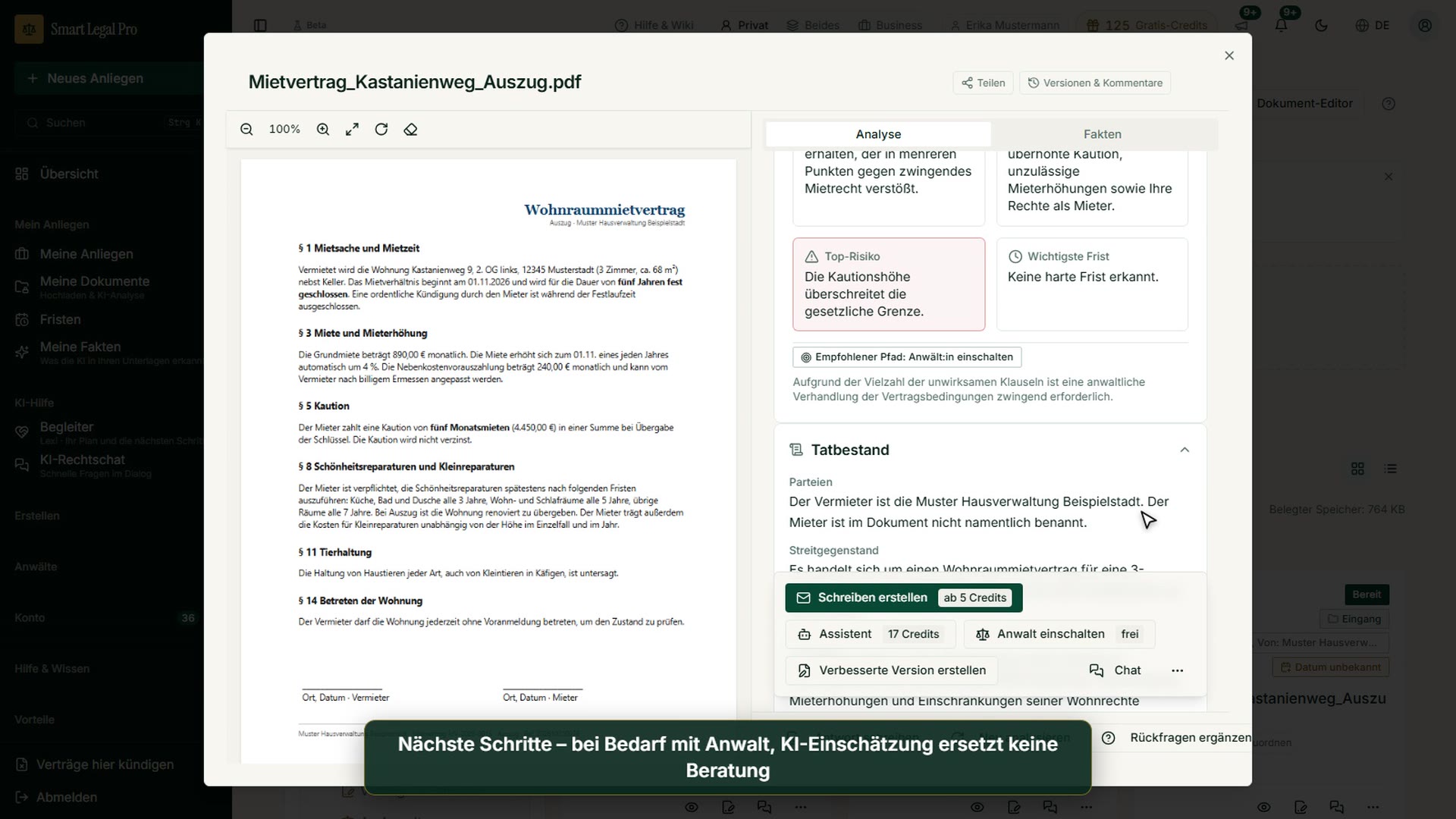
AI legal information
Videos: 1
Calculators
Videos: 3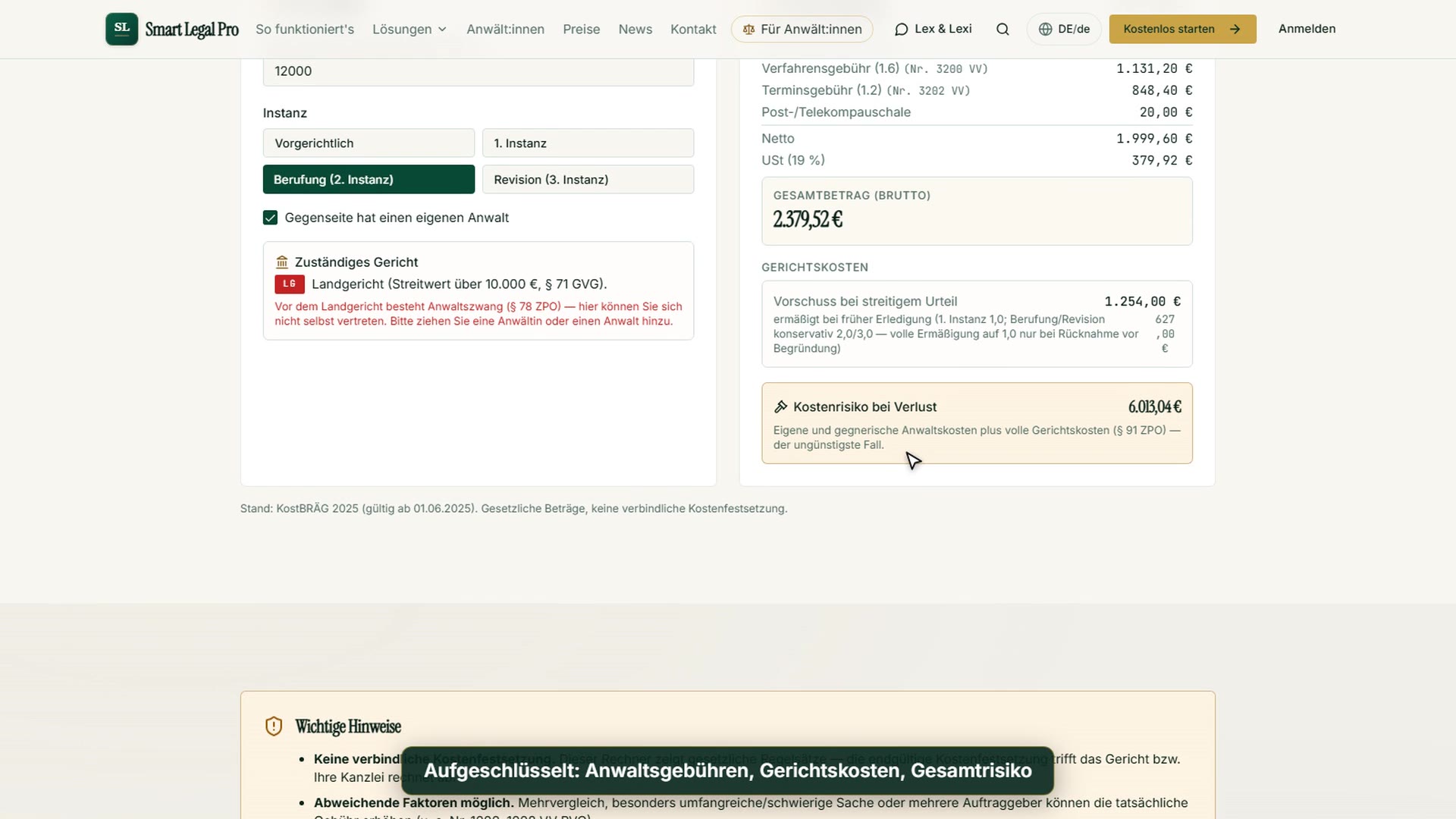


Tools
Videos: 4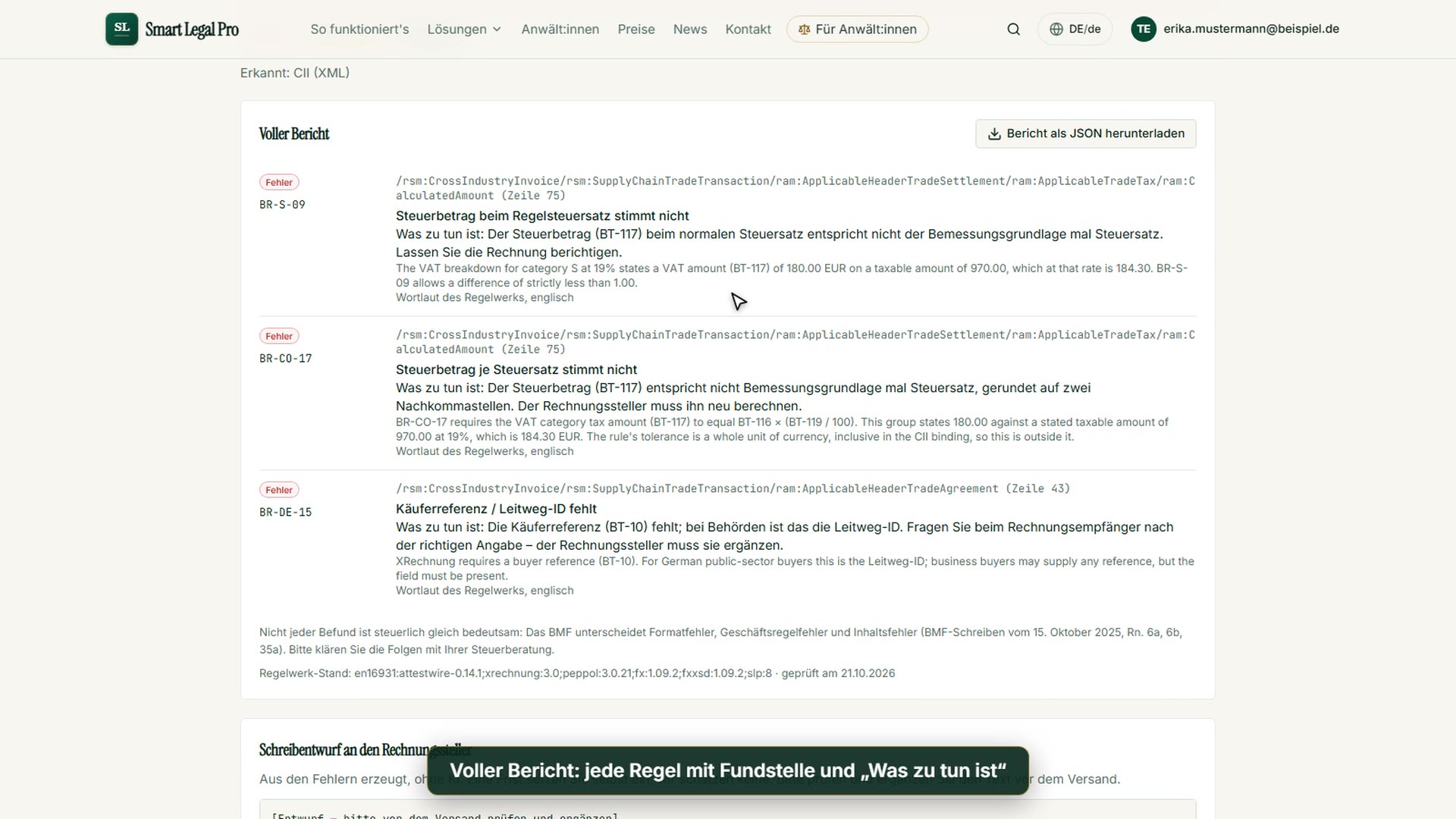


The website
Videos: 1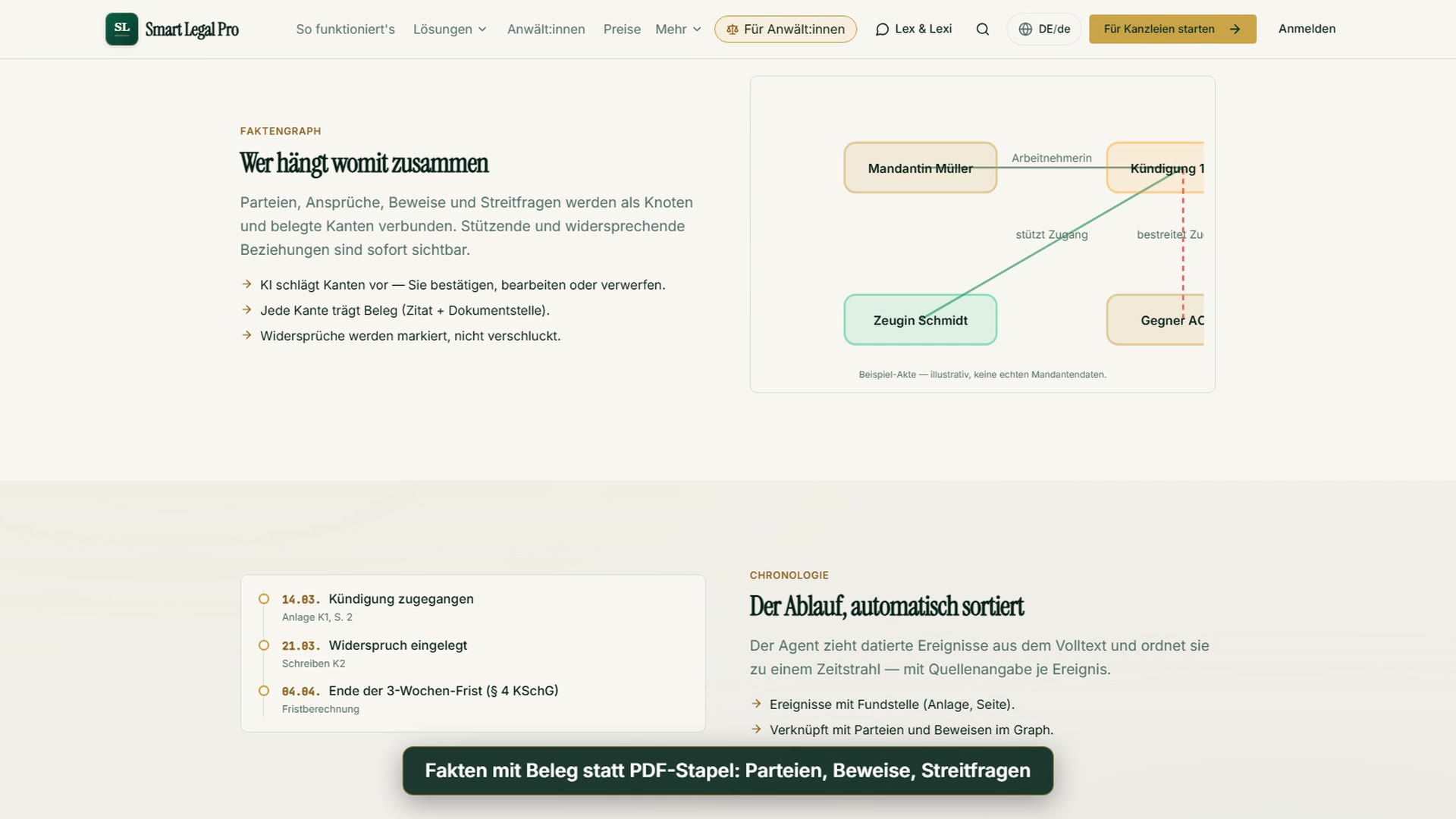
Images
Images from the product
This is what the key views look like – real screenshots with sample data.



Try it yourself
Start free, upload a letter, check a deadline – no credit card needed.

