0:00 / 0:54
For law firms · Case file & facts
Relationship Graph: Check Every Connection Against Its Source
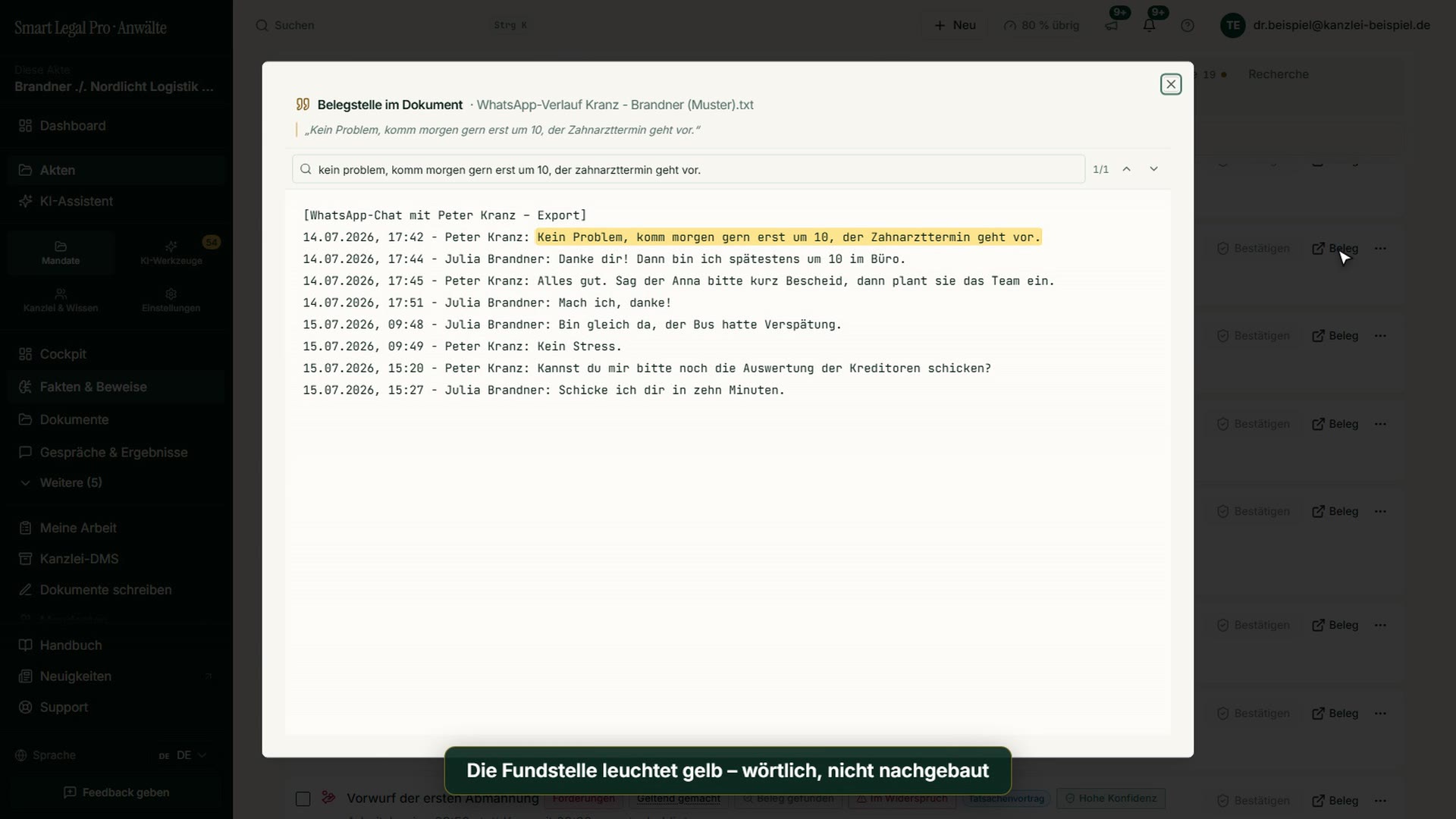
Fact list, network, full screen and passage highlighted in yellow
Length: 0:54
What this video is about
The facts of a case as a network: people, events, deadlines and allegations are connected, contradictions marked in red. In full screen you zoom and filter, a click on a point shows its neighborhood, and “Open source” leads to the document, where the passage is highlighted verbatim in yellow. Shown with the sample case Brandner / Nordlicht (protection against dismissal), without an AI run.
All recordings use fictional sample data – no real cases, people or file numbers. AI output can contain errors and does not replace legal advice.
More videos

Related images



Try it yourself
Start free, upload a letter, check a deadline – no credit card needed.

