For law firms · Settings & firm
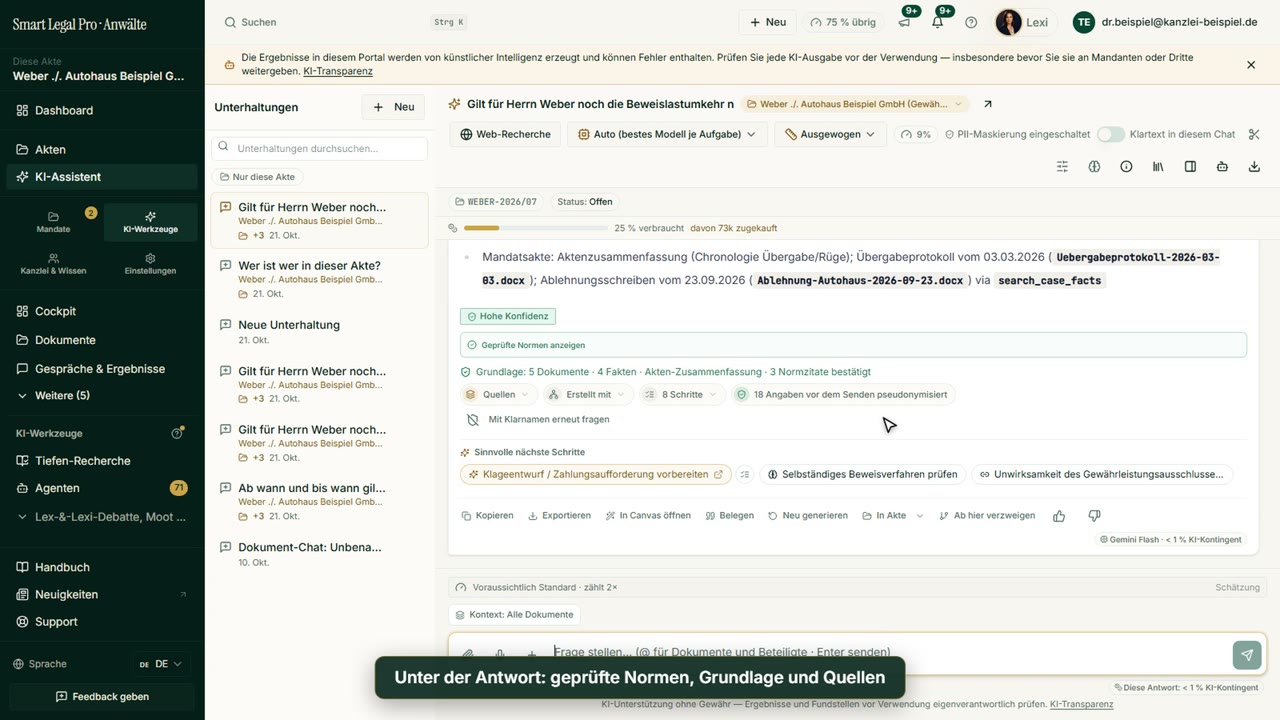
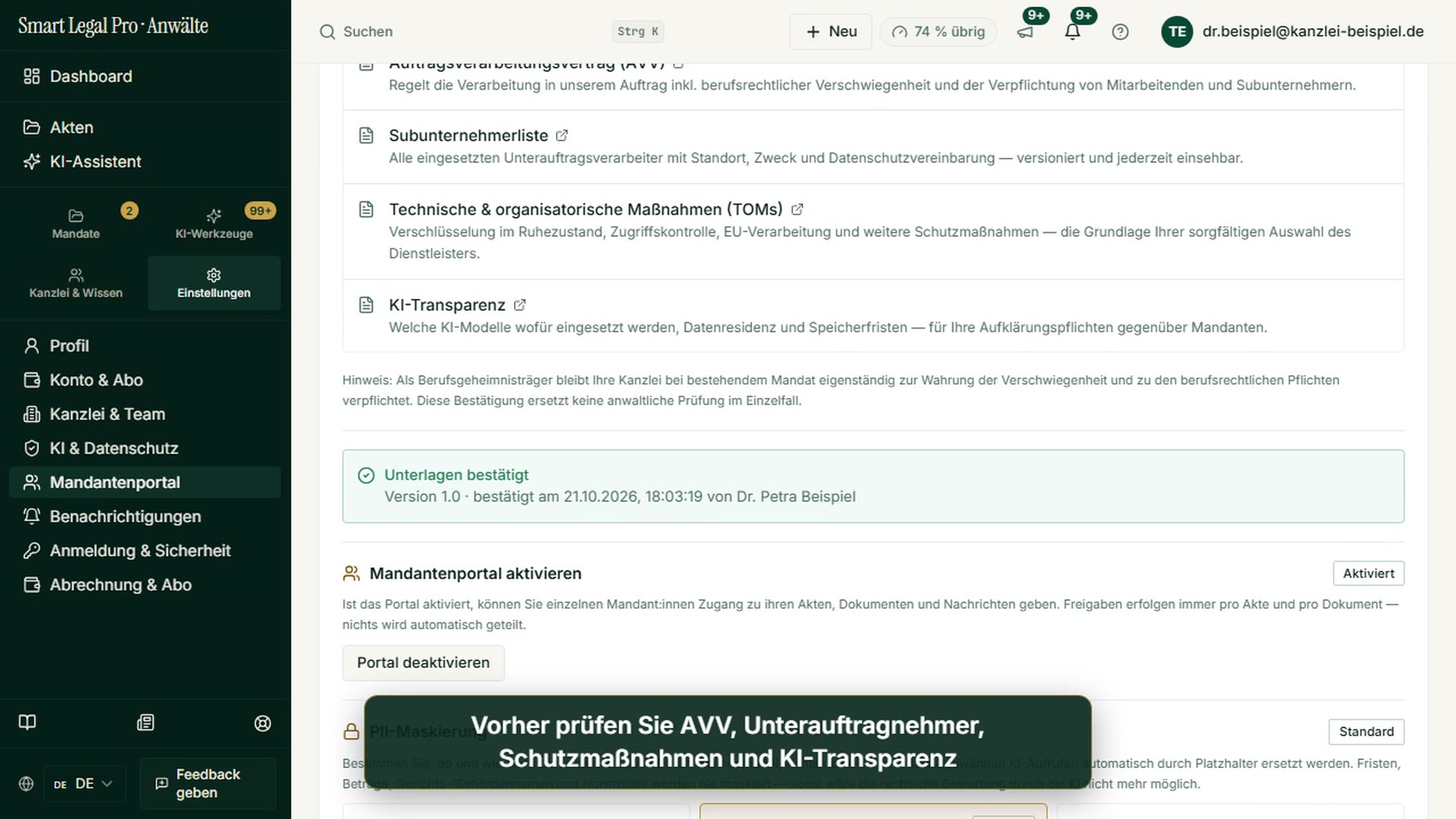
Masking made visible: what the AI receives of your client data
Preview before sending, add your own terms
Length: 1:10
What this video is about
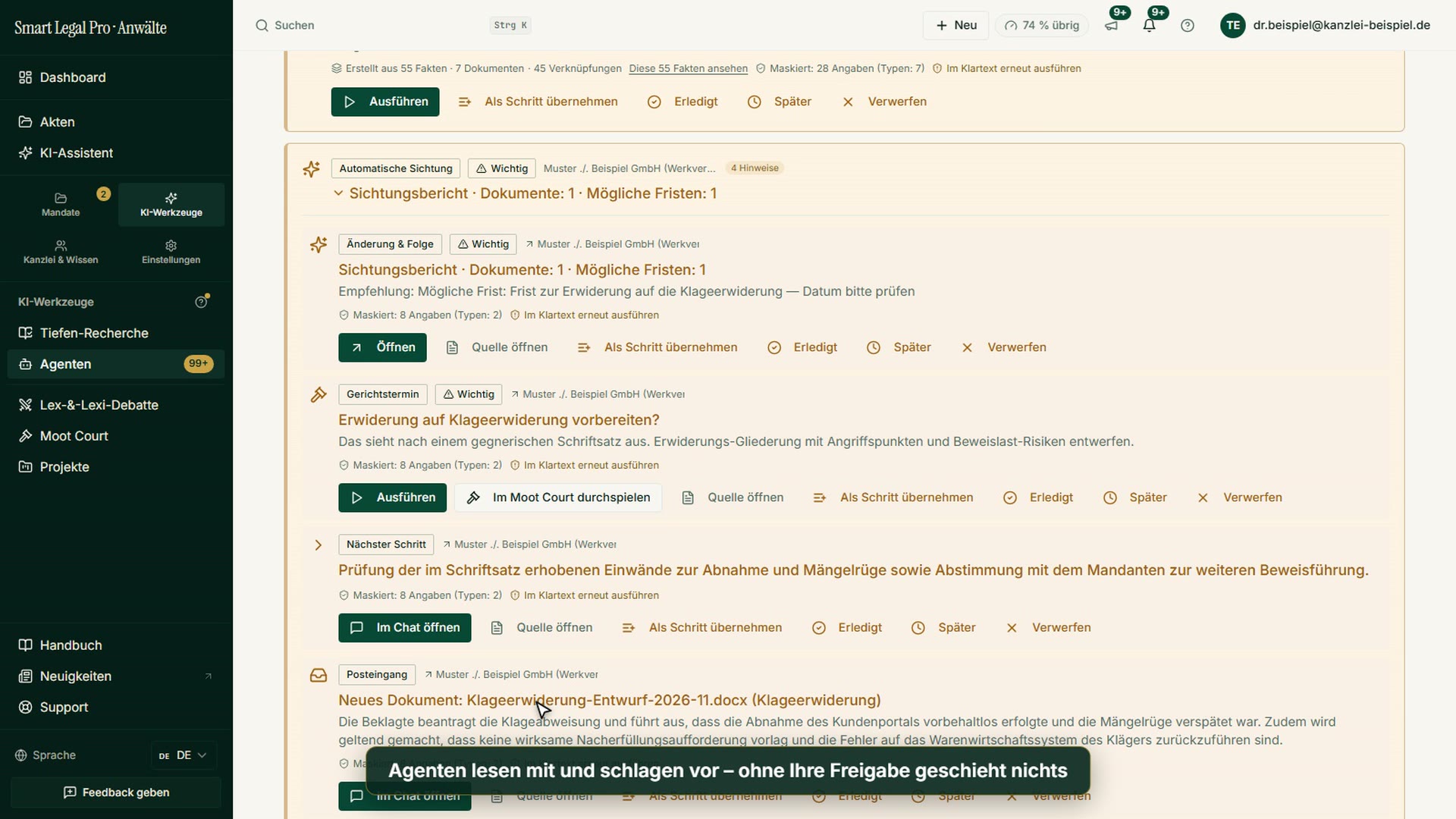
Names, e-mail addresses, IBANs and other details are detected in the AI assistant by default and replaced with placeholders before any text goes to the model. First your firm's rule, then the free preview in the assistant: matches marked in the draft, your own terms can be added. Masking replaces recognized patterns; it does not replace your professional review.
All recordings use fictional sample data – no real cases, people or file numbers. AI output can contain errors and does not replace legal advice.
The videos are for illustration and show the German interface with German on-screen text. The portal itself is fully available in German, English, French, Italian, Spanish, Dutch and Polish.
More videos
Related images



Try it yourself
Start free, upload a letter, check a deadline – no credit card needed.

