For law firms · Pleadings & editor
Generate a Complaint and Pleading: From Draft to Finished Package
Pleading agent, exhibits, reference check, editor
Length: 1:47
What this video is about
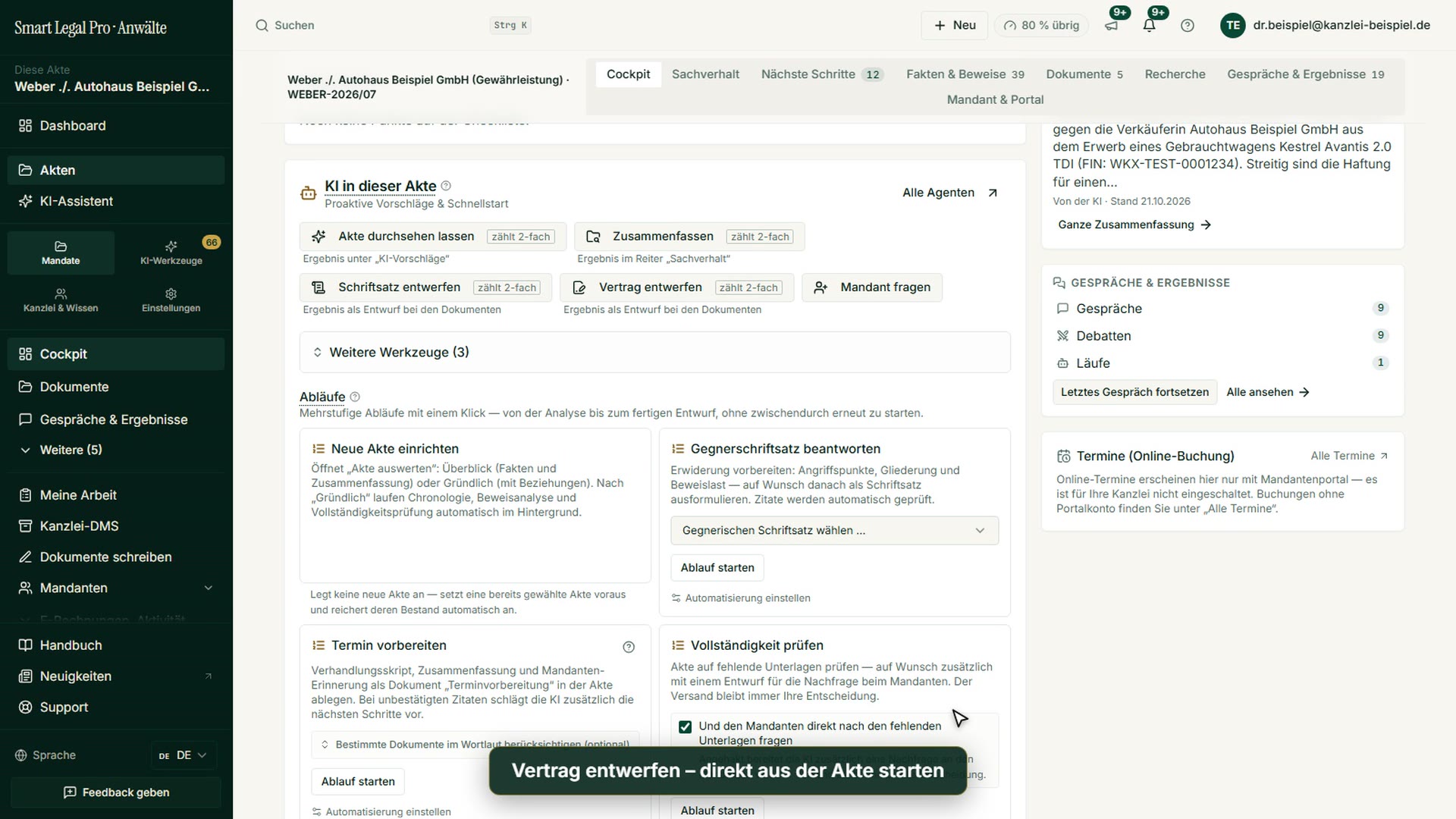
This is how a pleading or complaint is created in Smart Legal Pro: in the pleading agent you choose the type of pleading and the reference document, see the cost preview before the start and keep control of model and second opinion. Then “Finalize pleading”: references in the text are checked against the exhibit register, exhibits stamped, the package with Word, PDF and README created – nothing is transmitted. Finally the draft in the editor with tracked changes. Shown with invented sample data.
All recordings use fictional sample data – no real cases, people or file numbers. AI output can contain errors and does not replace legal advice.
More videos


Related images



Try it yourself
Start free, upload a letter, check a deadline – no credit card needed.

