In one sentence
The mailroom takes in everything that comes into the firm – not just emails –, keeps what belongs together as one delivery, and when sending you choose the version.
Incoming: one delivery instead of many single files
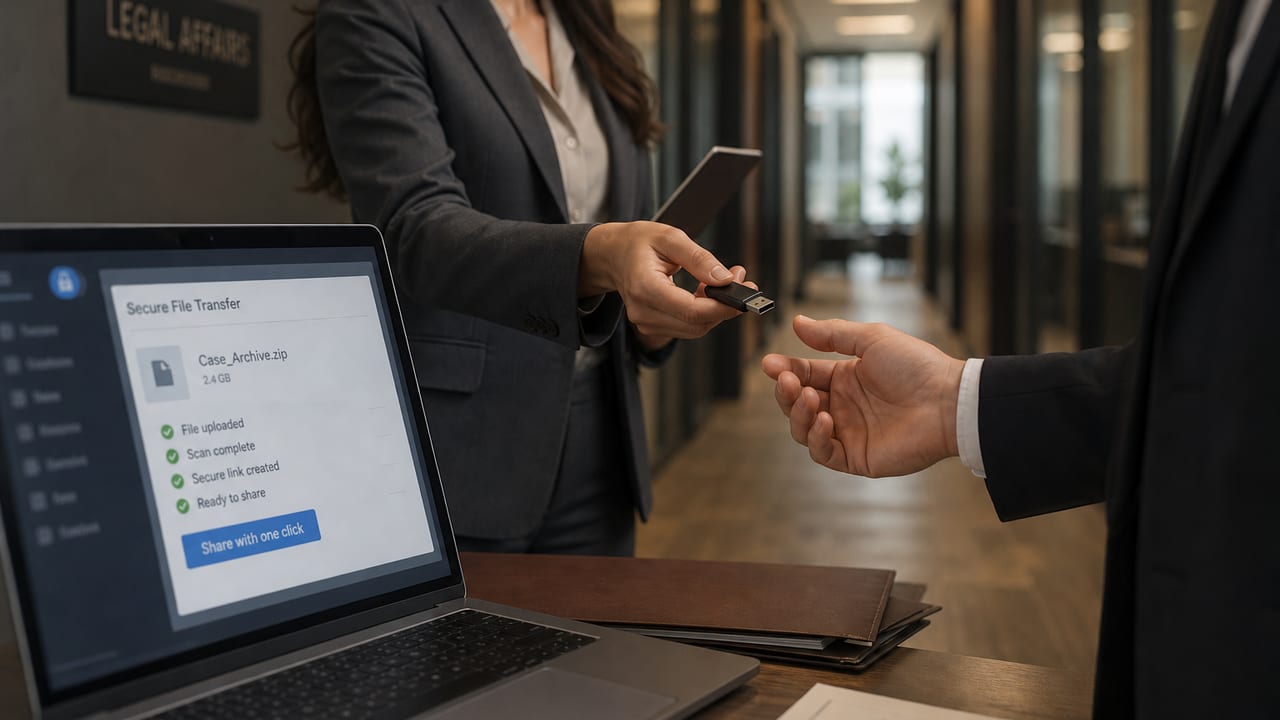
A beA export, a case-file access package, a ZIP, a stack of scans or an email with attachments stays together as one delivery. You see it as a whole, file it to a matter in whole or only in part, and delete it as a whole. beA appears only if Germany is set as the legal system; we retrieve nothing automatically – you upload exports or forward emails.
You set the AI level for every file
“Automatic”, “Only on request” or “Never for AI”. New files start on “Only on request”; adding and filing cost no quota. Before moving you see the consequences, and shuffling back and forth that could cause double costs is flagged.
Outgoing: the right version
When you attach a document you choose the version – for example version 3 of the complaint although the AI has meanwhile produced version 4. The dialog tells you when a version has gone out before. From “Finalize pleading” you send the pleading together with its exhibits in the version of the package state by email, as long as the package fits the size of an email.
In the case file: who got which version, and when
Under Documents → Dispatch you see, per document and per pleading package, which version went to whom and when – and a “Changed since sending” marker when a newer one exists. Only your own mails appear; platform administration cannot see any content of your outbox.
More: The mailroom and in the handbook Mailroom and deliveries as well as Outbox.