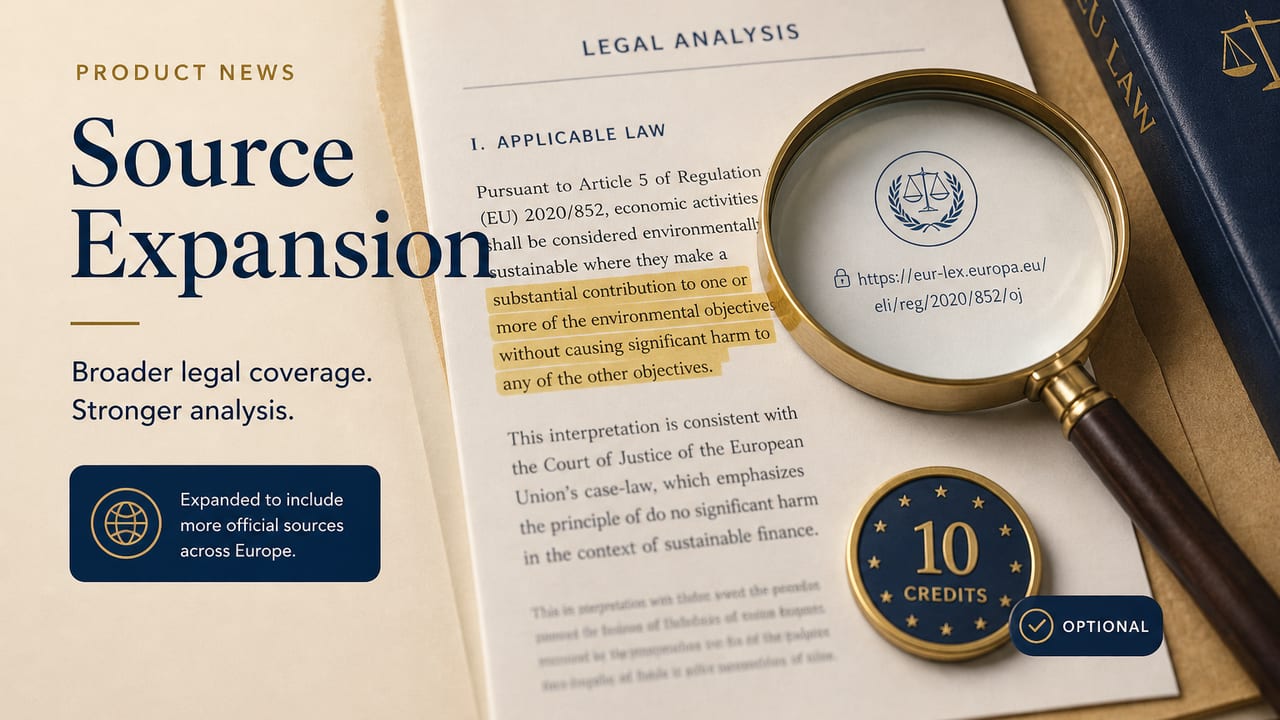
The problem — and why we don't promise "everything verified"
AI analyses and chat answers can contain plausible-sounding but incorrect provisions, rulings or case numbers. That is not a SmartLegalPro bug — it is a limit of every language model.
What we do not want to do: slap "unverified" on everything across the board, or pretend we have checked every statement against the internet. That would be dishonest.
What we do instead: distinguish three clear states:
- From the document — a quote or fact that appears in the original (analysis with a verbatim quote).
- AI assessment — model knowledge without a separate web search (standard chat and standard analysis).
- Source search performed — you actively started "Add sources"; the result is a saved research log.
How the source top-up works
Where: the Vault (document analysis) and the document chat.
Flow:
- Highlight at least 30 characters (a sentence, paragraph or bullet).
- Toolbar "Add sources" — the price appears before you start.
- Confirmation dialog with a compliance note: research log, no guarantee.
- Perplexity sonar-pro searches for primary sources (statutes, rulings, authorities) — only for the highlighted text, without recalculating the analysis (expand, not recalculate).
- Every URL is fetched; quotes are checked against the target page:
- Badge "Quote found on page" — a snippet match on the live page.
- Badge "Quote not confirmed" — source found, wording not verifiable on the page (not automatically "wrong").
- Claims without a primary source are listed separately.
- The result is saved — viewable per document in the Vault overview.
Cache: the same text + country within 24 hours → result from cache, 0 Credits.
Monetization — transparent and admin-configurable
- Default: 1 Credit.
- Admin range: 0–10 Credits (platform admin → Action Costs).
- Billing: only after confirmation; refund on a technical error.
- Standard chat: no web search included — only the regular message price.
What really works — and what doesn't
Works well
- Targeted search for a single highlighted passage with context from the analysis/document.
- Structured sources with type, court/authority and case number only when it is stated on the source page.
- Snippet check against the fetched HTML page (no blind trust in the AI answer).
- Persistence: your personal research archive per document — the foundation for later Vault insights / wiki.
- PII masking before the Perplexity call (as in other flows).
Limits — please plan realistically
- No full verification: no one can guarantee "every ruling worldwide". The search is best-effort.
- The snippet check is heuristic: dynamic pages, paywalls or PDF-only rulings can miss matches → "not confirmed" ≠ "wrong".
- Perplexity errors: if the API fails, we refund your Credits — but you get no result.
- Jurisdiction: primarily the document's country; cross-border remains complex.
- No substitute for a lawyer: even with sources it stays information work, not advice.
Compliance & prompts
- Chat system prompt: no invented rulings, no false "source search performed" claim.
- Perplexity prompt: verification only, a fixed answer structure, statements without a source are flagged as such, hints on national primary sources.
- UI disclaimer on every result panel; plus a dedicated FAQ entry on the supplementary web search.
- Credit history: readable labels, including refunds.
Vault wiki — what's possible next
Every source top-up is already a structured row in the database (excerpt, summary, sources JSON, status, timestamp). That is the basis for:
- pinning / bookmarking in the Vault (planned),
- cross-references to the case extract and analysis,
- a later searchable document wiki built from your own research.
Today: history below the analysis + an inline panel after each search.
Where to try it
- Vault → open a document with an analysis.
- Highlight a passage → "Add sources".
- Below the analysis: expand Source top-ups (n).
The same flow in the document chat for a linked document.
Feedback right on the result (👍/👎) helps us improve prompts and domain filters.