What's changed
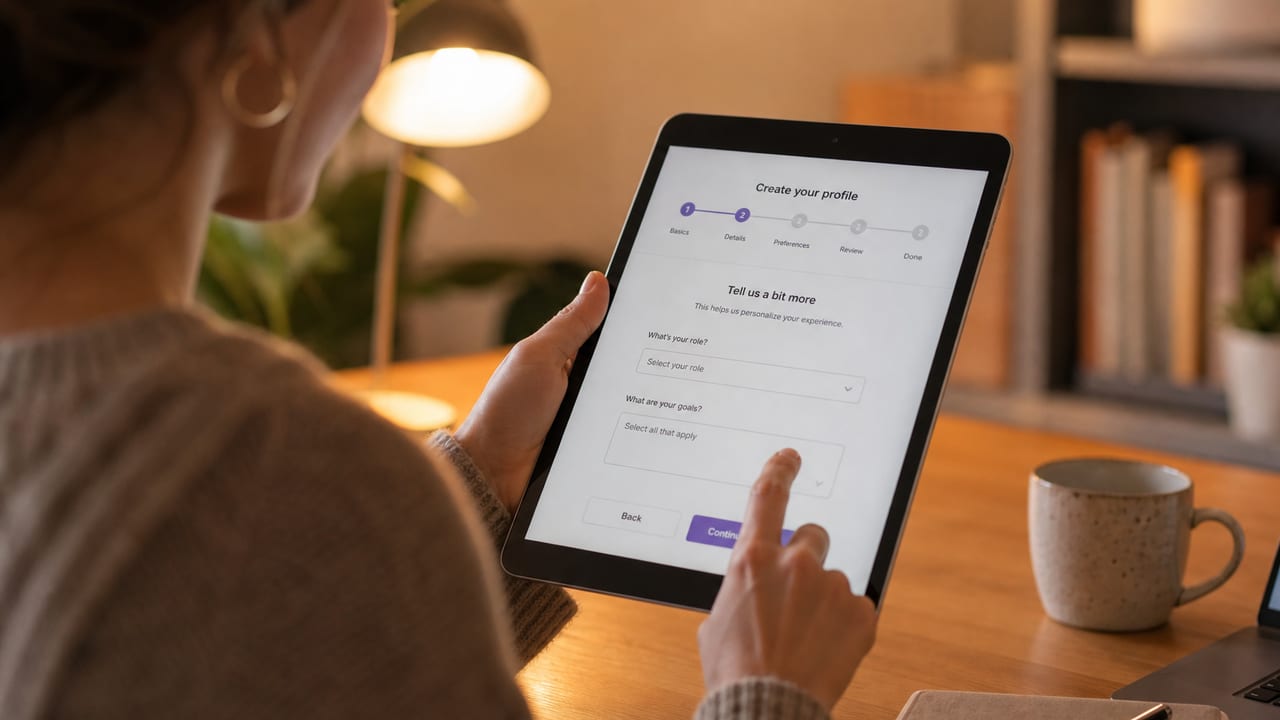
All multi-step wizards — lawyer's letters, contract generation, contract revision — now save not only your answers but also the current step and the pre-flight status (checked / confirmed) to the database.
In practice, that means:
- Closed the tab? The next time you open it, you're back on exactly the step you were on.
- Carried on from another device? It works. The draft is tied to your account, not to your browser.
- Corrected an answer? Jump back, change one field — all your other answers stay untouched.
Why this is more than "just convenience"
The real reason lies in the next stage of development: the plausibility check. When the check, run before the final generation, says "the deadline has passed" or "the recipient is missing a postcode", you need to be able to go back — and to the exact field in question, without re-entering the rest. That foundation is now in place.
Under the hood
We now store a separate interface state for every draft, which holds the current step index and the pre-flight status. The substantive answers are kept strictly separate from it — UI state never contaminates the eventual contract text or letter.
What you can do now
- Keep several drafts running in parallel. Start a termination notice, switch to an NDA, come back — both are waiting for you.
- Forget about saving as you go. Every click on "Next" saves. "Back" saves too. You lose nothing.
- Start on your phone, finish on your laptop. The drafts are cloud-synced.
What's next
The next sprint brings the plausibility check (deterministic rules plus AI plausibility), which reveals — before the final generation — anything that doesn't add up, and jumps back to the relevant field with a single click.