For law firms · Firm & DMS
Sending from the case file: the version you choose, provable
Choose a version, send a package, dispatch overview of the case file
Length: 0:60
What this video is about
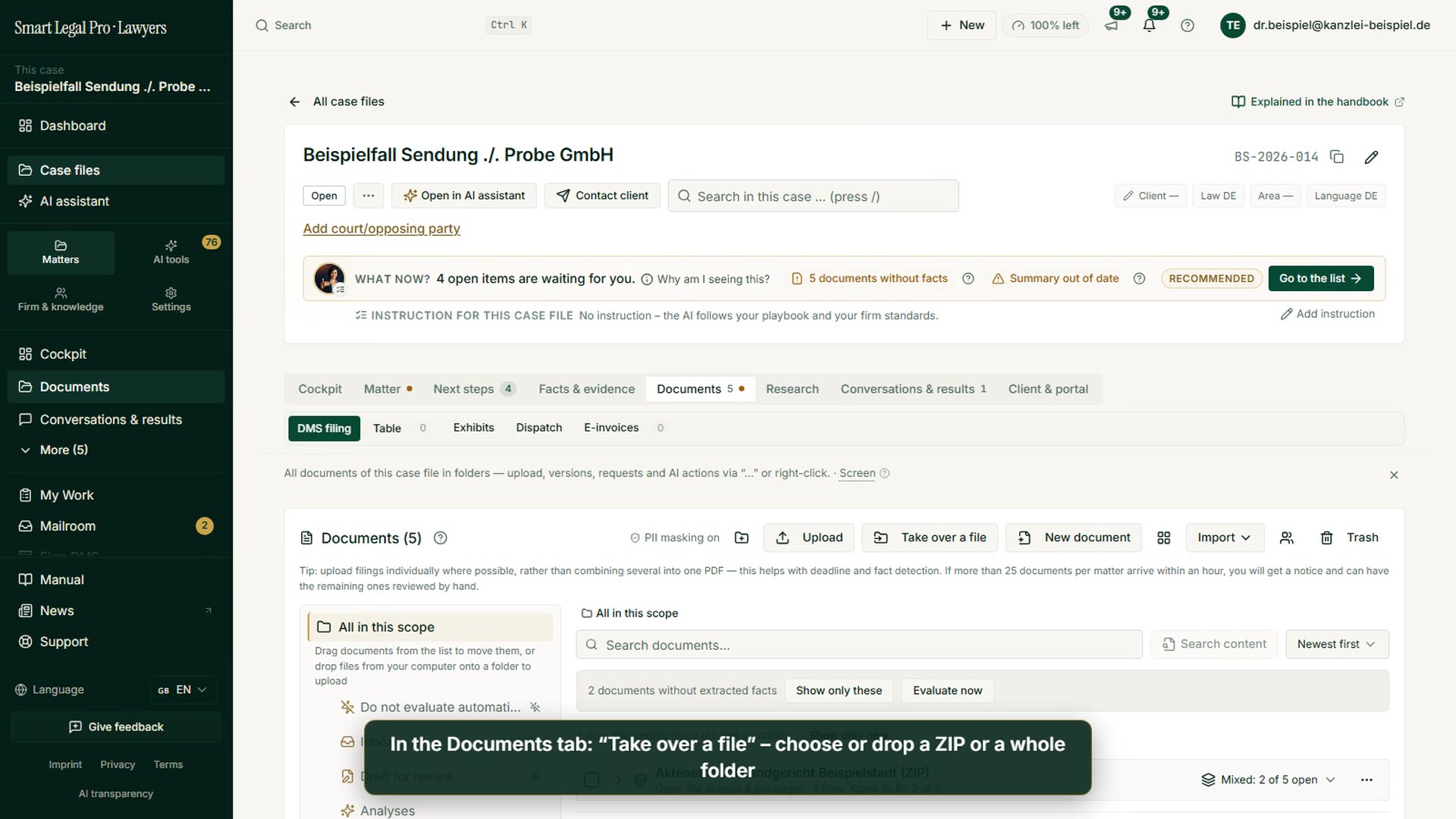
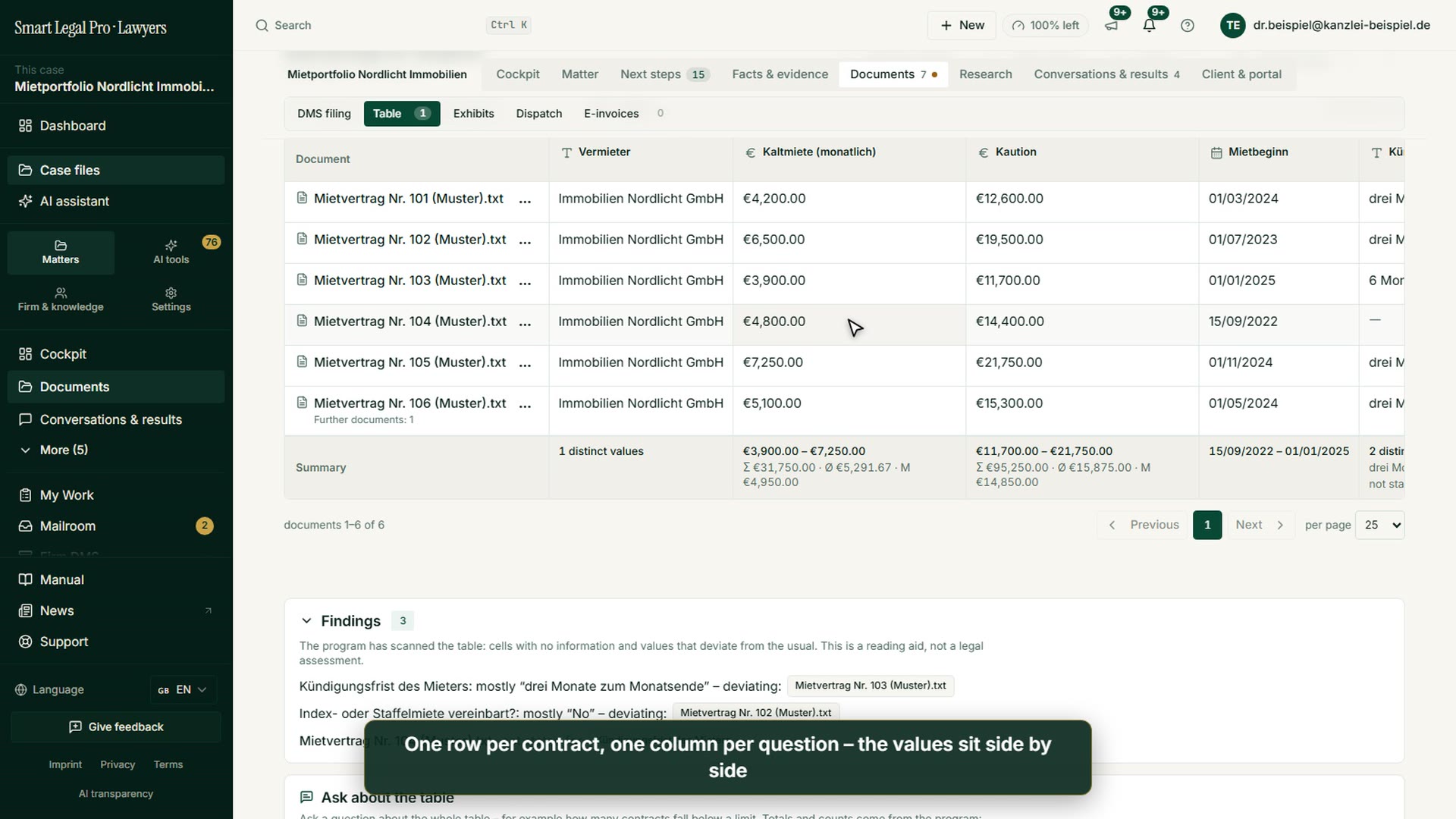
From the case file you send a document in exactly the version you choose – even an older one when a newer exists; the dialog points it out. The case file’s dispatch overview shows per document and per pleading package which version went to whom and when, with delivery status and a marker for newer versions. The platform only sends on your click. Shown with invented sample data; nothing is sent.
All recordings use fictional sample data – no real cases, people or file numbers. AI output can contain errors and does not replace legal advice.
This video shows the English interface; sample data and documents are partly in German. Smart Legal Pro itself is fully available in German, English, French, Italian, Spanish, Dutch and Polish.
More videos

Related images



Try it yourself
Start free, upload a letter, check a deadline – no credit card needed.

