One access for your clients, not a second system for you.
Your clients see exactly what you share, in the same Smart Legal Pro account — documents, deadlines, drafts. Everything else stays inside your firm, and every access is logged.
Explicit, not blanket
Clients see only what you explicitly share — matters only with a granted viewing right, documents only per individual approval. Internal drafts and notes stay invisible, just as you never see your client's private area.
- Five areas can be switched off individually — chat, uploads, AI help, document reviews, draft sharing — blocked on the server, not just hidden.
- Deadlines are hidden by default and only appear after explicit approval per deadline.
- Your firm's logo and accent color in the portal header — a trust anchor at no extra effort.
- Statement of claim.pdf — shared
- Internal strategy note — not visible
- Deadline Sep 12 — response required
A checklist instead of email back-and-forth
“Request documents” sends a checklist to your client; every upload lands directly in the matter's DMS and is checked against that item — type detected, matches/doesn't match, concrete gaps. Clients can also upload documents on their own at any time, without a request.
- New uploads sit in quarantine first — the AI only reads them once you release them.
- “What's still missing?” delivers an AI gap analysis of the entire request on your quota.
- Employment contract — submitted, matches
- Termination letter — submitted, date missing
- Payslips (3) — open
Every access is logged
Every document retrieval via the client portal is logged per document — the log proves the retrieval, not that anyone took note. For third parties without their own account — opposing party, insurer, expert — time-limited magic links open the same secure path, entirely without registration.
- Document reviews: the client approves, asks for changes or declines — with a comment, traceable at any time. Drafts from Canvas are commented directly in the text.
- Magic links expire and are shown in plain text only once after creation — no lasting third-party access.
- Aug 14, 9:12 AM — Statement of claim.pdf viewed
- Aug 14, 9:14 AM — Statement of claim.pdf downloaded
- Aug 15, 4:03 PM — Magic link for document request created
- Aug 16, 11:47 AM — deadline Sep 12 answered
“Call the firm” — clients speak, you read along
Enable the phone assistant in your firm settings and your portal clients see a “Call the firm” button and speak with an AI voice assistant that takes down their concern in a structured way. Hard server-side limits apply to every call: no legal advice, no predictions, no cost statements — the assistant notes the concern and points to the personal conversation with you.
- Your editable “firm knowledge” (opening hours, responsibilities, emergency number) feeds into every call — confidential matter data deliberately does not belong there.
- Every call books a fixed amount from your firm's AI quota, the same pool as chat and analysis — clients never pay.
- Concern: extension of the deadline for the statement of defense requested
- Urgency: high — deadline expires in 3 days
- Callback requested: yes, today after 4 PM
One package, no second review
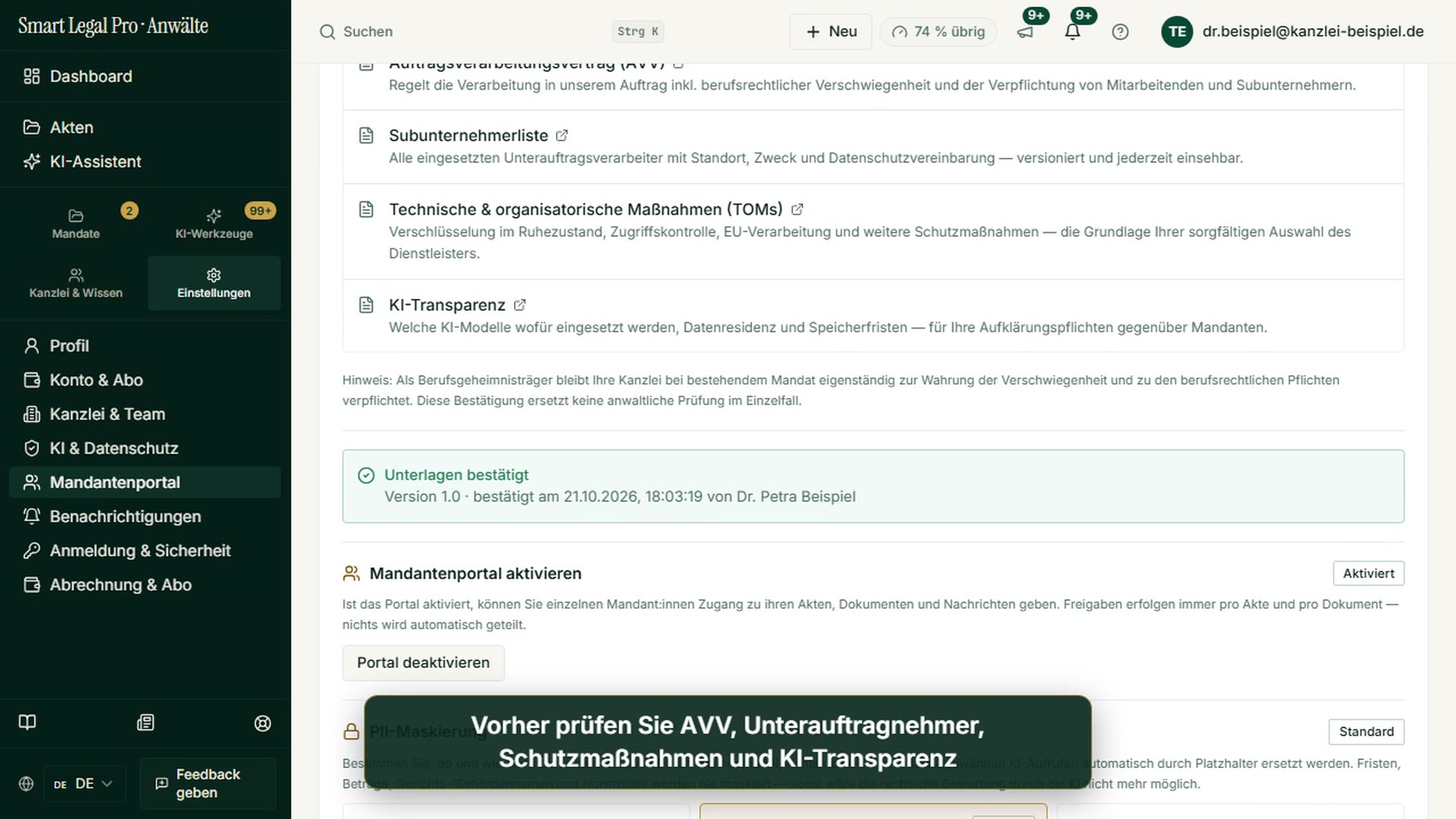
Data processing, § 203 StGB, § 43e BRAO and technical measures are part of the same § 43e package you confirm once — no separate confidentiality document, no second approval needed.
See compliance in detailAgents in this workflow
Turns a document review request into a plain-language summary via “Explain in plain terms” — on your quota, never at your clients' expense.
Checks every submitted document against its checklist item and automatically detects what's still missing.
Shows clients what changed between two document versions — with a risk traffic light.
Turns the ElevenLabs call into a structured case note after the call ends (concern, urgency, callback request).
Control & safety
- Server gate before activation: the portal only switches on for your firm once you confirm the § 43e package (DPA incl. § 203 StGB, sub-processor list, technical measures).
- Client AI runs exclusively on standard models and books against your firm's quota — your clients never pay and never see a purchase screen.
- Disabled portal features are locked server-side, not just hidden in the interface.
- EU hosting, per-client isolation, multilingual.

Let your case files think along.
The AI lawyer portal — EU-hosted, profession-compliant, client-separated. You keep control, the AI does the groundwork.
Video and images
 1:00For law firmsConflict Check Before Accepting a Mandate: Hits in Seconds
 1:46For law firmsClient Portal: You Decide What Your Clients See
 0:36For clientsClient comments on the contract – how you see the feedback


More images: Firm & DMS →More images: AI assistant →Videos →Screenshots →

