Documents that pull their weight.
No filing graveyard: the Smart Legal Pro DMS connects folders, permissions and versions with the case AI — every document is both storage and a source of knowledge. With legal hold, comparison and translation.
Folders and permissions, AI-readable
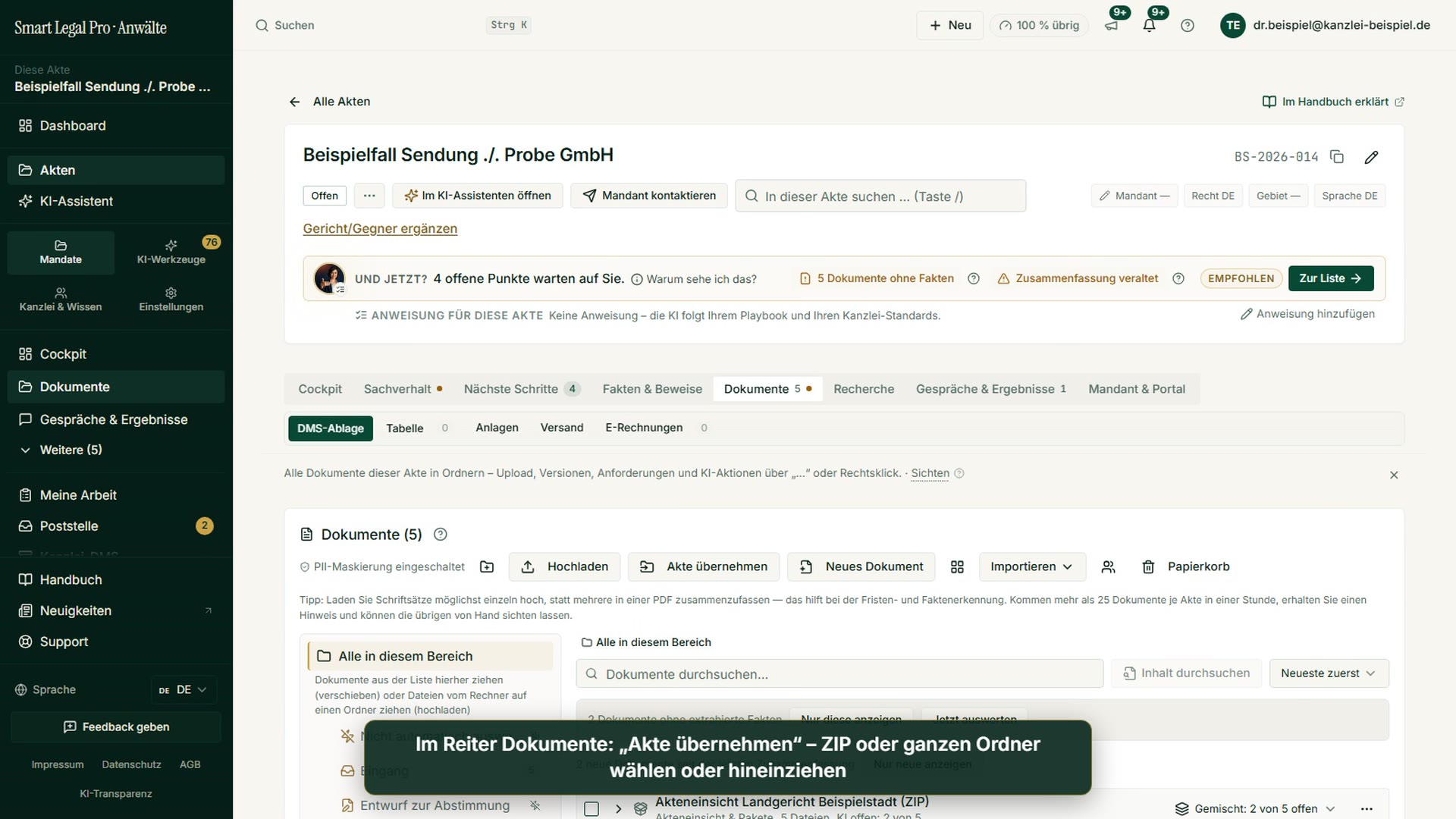
The shared explorer organizes documents in folders with fine-grained permissions. Deleted items stay referenced as a soft delete — nothing vanishes unnoticed, and the AI reads the same corpus.
- Folders, containers and permissions per file.
- Soft delete: deleted documents stay traceable.
- The same storage feeds the case AI.
- 01 Correspondence — 12 documents
- 02 Evidence — 5 documents
- 03 Internal notes — permission-restricted
Compare states, secure evidence
The DMS is version-aware: you see which version is current, compare states and set a legal hold that blocks deletion and change — for evidence-relevant documents.
- Version-aware with comparison of two states.
- Legal hold blocks deletion and change.
- v3 current — changed 04 Apr
- Compare v2 ↔ v3: 6 changes
- Legal hold active — cannot be deleted
The file as a workspace
Every file opens as a cockpit with up to eight tabs — cockpit, overview, next steps, relationship graph, evidence, documents and chronology are always there; the eighth tab (client & portal) only appears once the firm activates the client portal. The DMS translates foreign-language documents and files the version in the case.
- Up to eight tabs: cockpit, overview, relationship graph, documents, chronology and more.
- Translation in the DMS (Microsoft Azure), version as a PDF in the file.
- Cockpit · Overview
- Next steps · Relationship graph
- Evidence · Documents
- Chronology · Client & portal
Read once, use everywhere
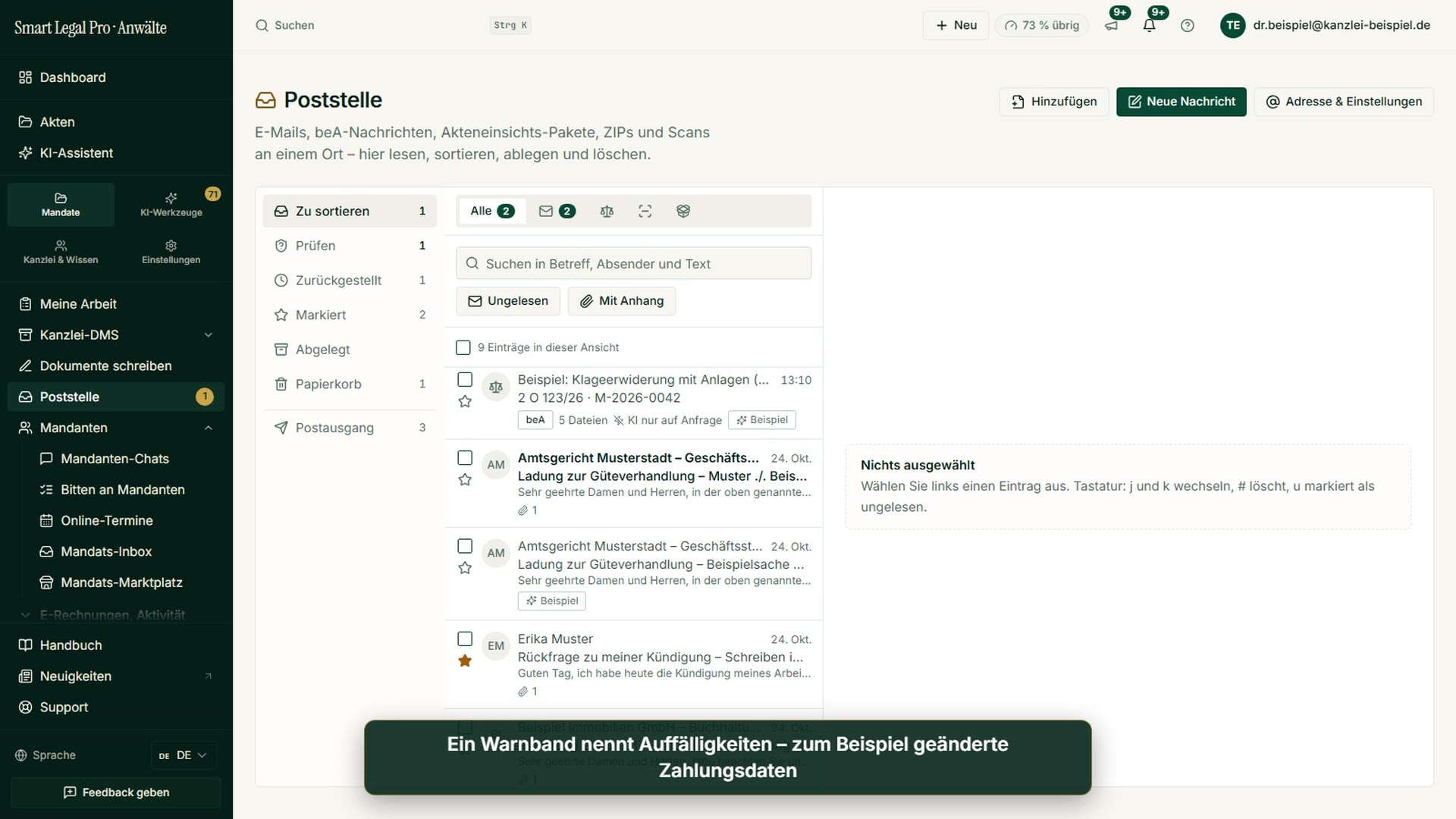
Upload the same document a second time in the same case file – even under a different file name – and the platform recognizes it by content and offers the existing version. Text recognition, analysis and facts already exist; there is no second pass, and no second charge. If the document is in a different case file, the portal tells you so and, if you wish, creates a separate copy so that facts stay separate per mandate.
- Content is recognized, not the file name or folder – across case files too; from a different case file you get a separate copy whose text is recognized again.
- “Use the existing document” costs nothing: full text, analysis and facts already exist.
- When in doubt, you decide: reuse the existing document, or file it as its own document anyway.
- Statement of defense.pdf — identical in content to a document already on file
- Already filed in this case file
- Use the existing document — costs nothing
Conversations become documents
Audio and video recordings in the case file are transcribed on click, billed per started minute. The transcript is a document of the case file; facts from it appear as a statement with its speaker, not as a fact. WhatsApp conversations can be read in as a chat export.
- Never automatic: transcription only starts when you trigger it; you assign speakers to the parties yourself.
- Meeting recording add-on: a recording agent records meetings in Microsoft Teams and Google Meet, even without you attending. Other services, including Zoom, you record yourself in the browser.
- Speaker 1 → client (assigned by you)
- “The notice of termination arrived on 3 March” – statement by the client
- Transcribed on click, per started minute
Check incoming invoices from clients
You check an e-invoice your client has received right at the document in the case file: without AI, with rule and location per finding and a draft letter to the invoice issuer. No additional cost within the subscription. Try it first with the free tool.
Try the free toolAgents in this workflow
Shared DMS explorer over document IDs — folders, permissions and soft delete; all read paths filter deleted items.
Takes in new documents and updates the relationship graph incrementally.
Translates foreign-language documents (Microsoft Azure) and files the version in the case – in the original format, as a PDF or as an editable Word file.
Control & safety
- Soft delete: deleted items stay referenced, no silent loss.
- Legal hold blocks evidence-relevant documents from change and deletion.
- Fine-grained permissions, client-separated (RLS).
- EU hosting, versioned, auditable.

Let your case files think along.
The AI lawyer portal — EU-hosted, profession-compliant, client-separated. You keep control, the AI does the groundwork.