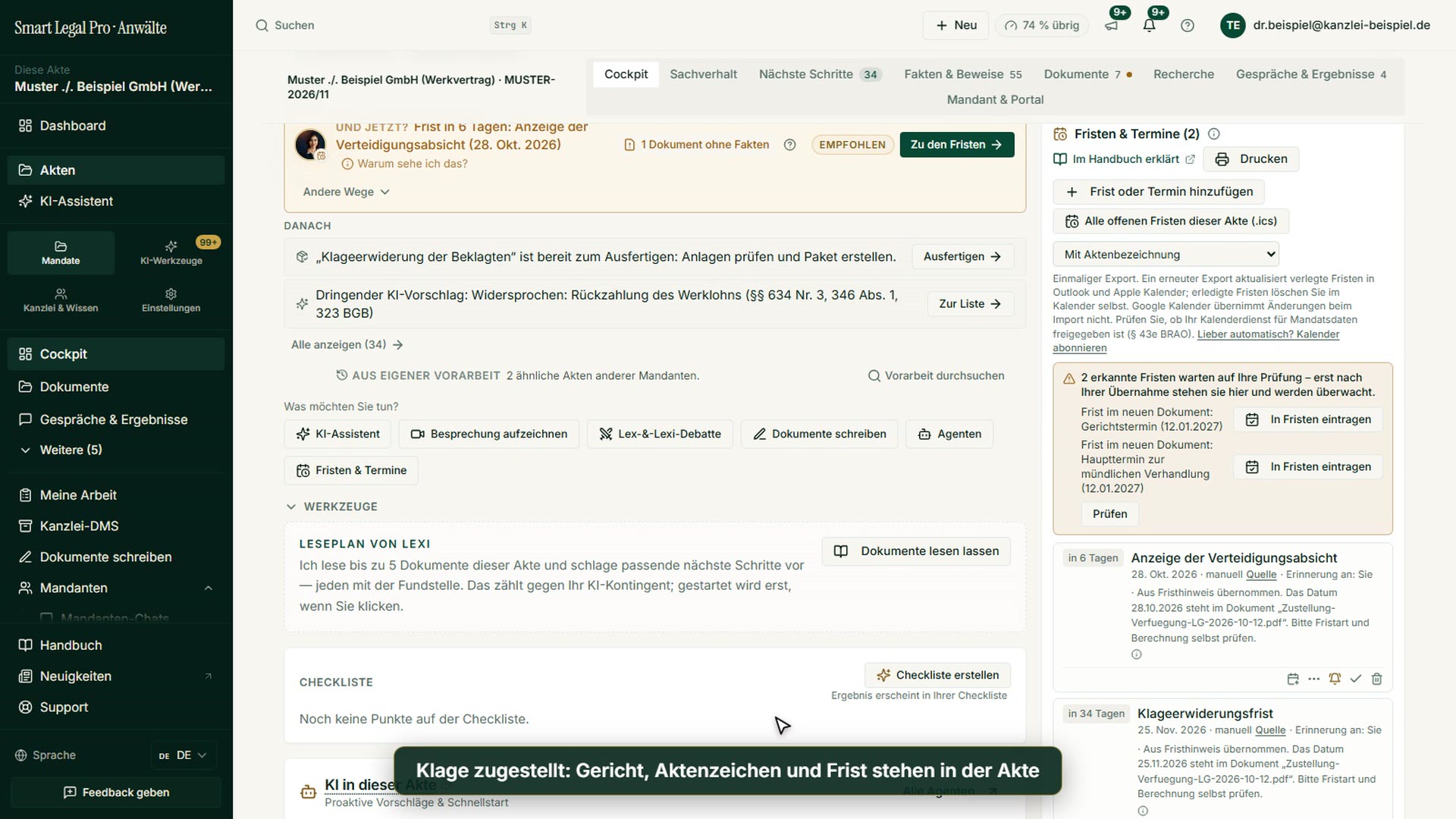
Drafts with approval — and checked citations.
From the outline through section drafts to a finished package with numbered, stamped exhibits. Every citation is checked against official sources; anything that cannot be verified is flagged.
Outline, draft, version — you approve
The agent first proposes an outline. Only after your approval does it draft the sections and render a versioned DOCX. Revision loops until the final version. You then continue working on the draft in Canvas.
- Approval gate before full drafting.
- Versioned Word drafts in the format of your jurisdiction, long pleadings included: caption, motions, “Evidence:” lines, internal notes highlighted in yellow.
- For contracts too — clause by clause, jurisdiction-appropriate.
- Outline proposed
- Outline approvalApproval required
- Sections drafted
- ›DOCX v2 rendered
- ›Citation check: citations checked
Not from nothing — from your case file
Before the first sentence exists, the agent reads this file's fact network: parties, dates, amounts and how they relate, each with its source passage in the original document. The finished run states how many facts, links and documents actually went in — you never approve what you cannot trace.
- Facts and relationships from the case relationship graph, not from a keyword search.
- Source record on the run: how many facts, links and documents — and what was truncated.
- Legal bases you adopted go in as their own labeled block.
- Facts: 34 · Links: 12 · Documents: 7
- read verbatim: 4 — 3 via the summary
- 1 document without readable text — stated explicitly
Every citation is checked
After drafting, the citation check automatically extracts all citations (case numbers, statutes) and verifies them against official sources — depending on jurisdiction. Unsourced items are flagged.
- Verified citations are confirmed, doubtful ones flagged.
- Jurisdiction-dependent sources (e.g. OpenLegalData, others).
- § 4 KSchGStatute confirmed
- § 130 BGBStatute confirmed
- BAG, case no. … (unsourced)Not verifiable — check before use
From draft to finished package — in one dialog
Matching numbers, renaming files, stamping every page, writing an index: for a complaint with 29 exhibits, that is typically hours of manual work. “Finalize” turns it into one dialog. The AI draft already cites the exhibits by number; you adopt them with one click, save a snapshot and download the package. The portal transmits nothing; you file through your usual channel.
- The system assigns the numbers in the draft by first mention — never the language model; differences from the register are shown, never silently changed.
- Not done yet? “New version with AI” writes the next version of the same Word document and resolves open points highlighted in yellow wherever the file supports them — instead of generating everything again.
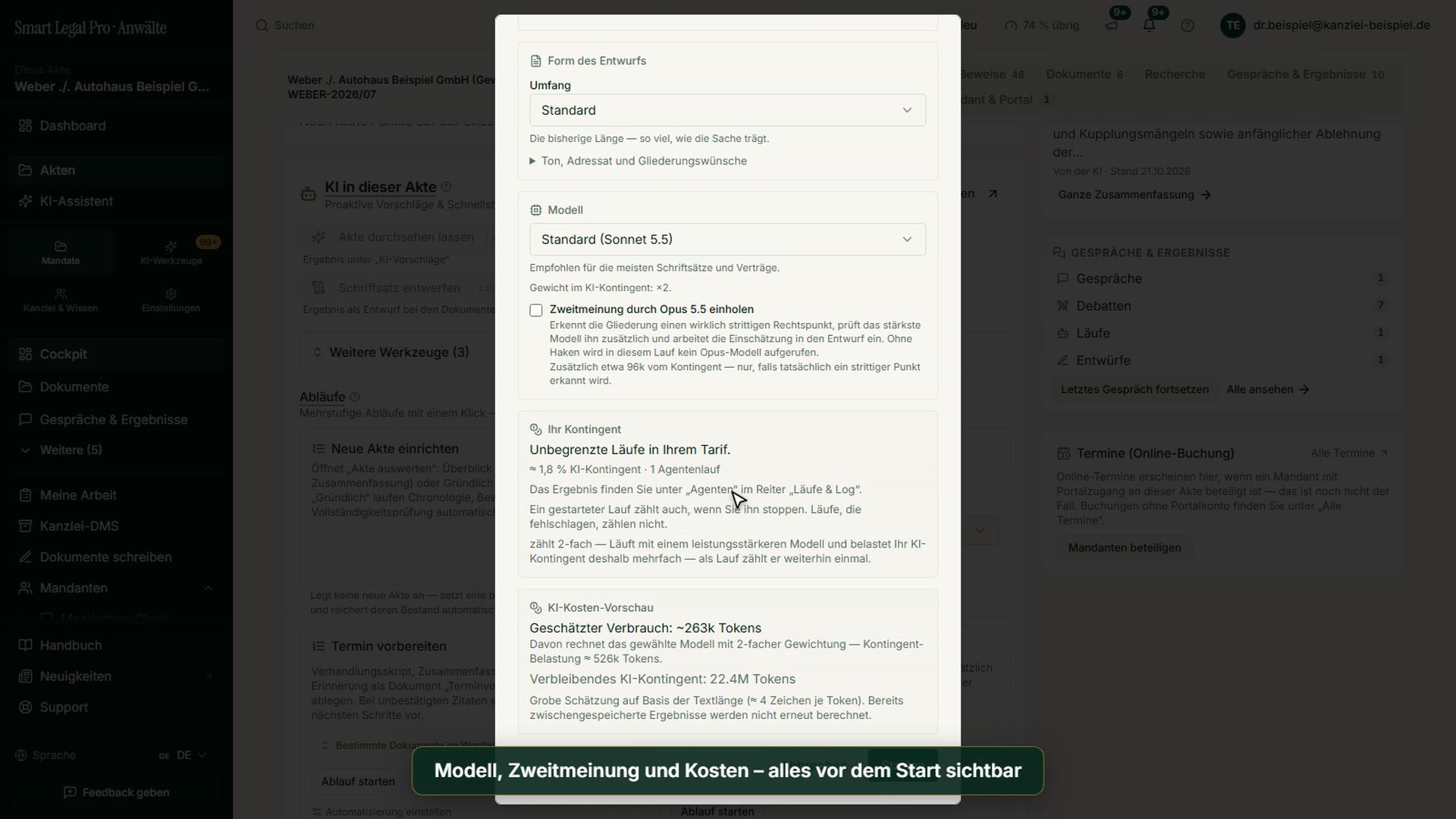
- Package, stamps, renaming and PDF conversion cost nothing; only what the AI writes or selects uses quota. If you wish, the package is kept in the case file as a single archive.
- 00_README.txtStatus per exhibit and a checklist before filing
- 01_Complaint.docx · 01_Complaint_View.pdfPleading as Word in court format, plus a PDF view
- Exhibits/Renamed, stamped on every page, Word files, photos and emails as PDF; missing ones as a yellow placeholder page
- 00_Exhibit_index.pdf
- A1_Contract_2024-03-01.pdf Exhibit A1
- A2_Email_correspondence_June_2024.pdf
- … through A29
- 99_INTERNAL_do_not_file/Packing list and originals – do not file
Reply to the opposing pleading
The agent analyzes the opposing pleading, identifies motions, legal bases and weaknesses, and drafts a structured reply.
- Opponent's motions and legal bases extracted.
- Weaknesses and a reply line suggested.
- Opponent's motions summarized
- Legal bases identified
- Weaknesses flagged
- Structured reply suggested
Agents in this workflow
End-to-end pleading: outline (with approval), section drafts, versioned DOCX, revision loops.
Contract draft clause by clause per jurisdiction and customary structure — same outline-draft-approval flow.
Extracts citations from the draft and verifies them against official sources — protection against hallucinated references.
Analyses the opposing pleading and drafts a structured reply.
Control & safety
- Approval before full drafting — and the portal transmits nothing: filing stays your step.
- Citations are checked automatically (anti-hallucination).
- Versioned drafts, traceable at any time.
- Multilingual and jurisdiction-aware — no hardcoded DE.

Let your case files think along.
The AI lawyer portal — EU-hosted, profession-compliant, client-separated. You keep control, the AI does the groundwork.