Images
Understanding proceedings
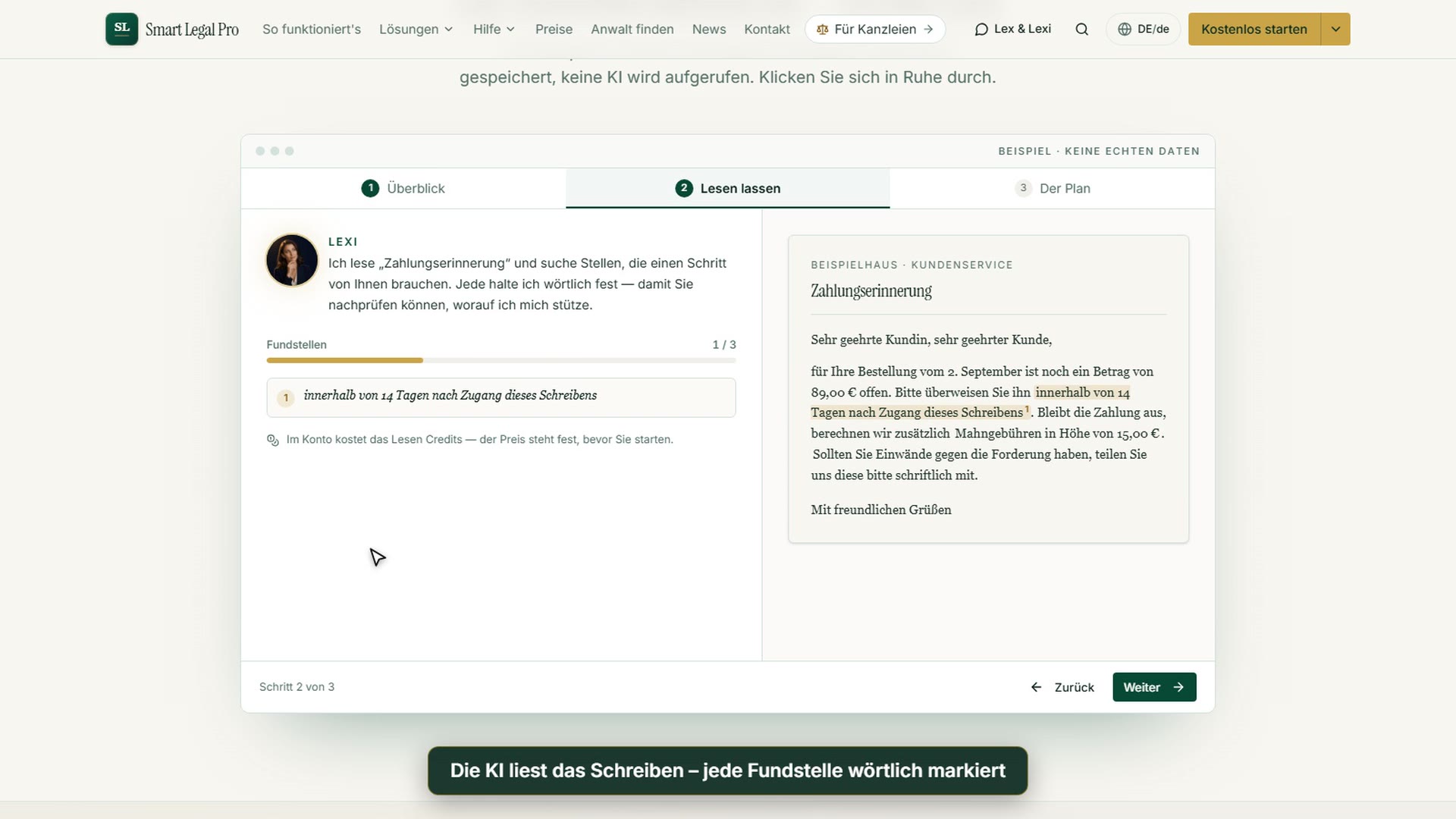
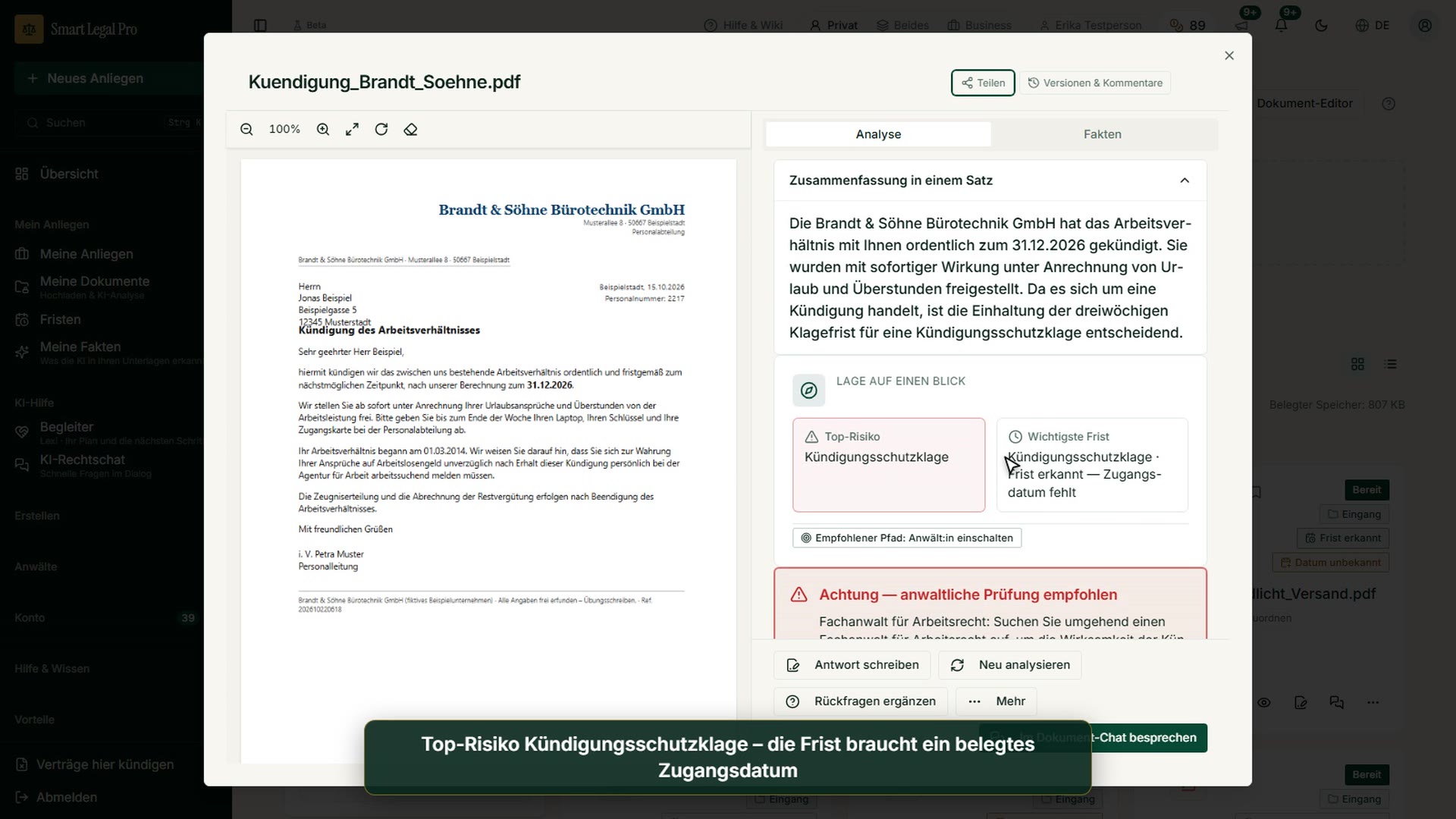
Understanding proceedings: the litigation companion reads letters, shows deadlines with the source passage and explains the next step in plain words.
Tip: click an image to open it large – use the arrow keys to move on.
Start und Überblick
Images: 10Overview: documents, deadlines and next step at a glance
At the top Lexi, the AI companion, greets you and summarizes how many documents and deadlines there are. Below, a note highlights the next expiring deadline, and on the right are the available credit and the usage of recent days. With one click you jump to the deadlines, to the conversation with Lexi or back to a chat you have begun. Deadlines for which the receipt date is still missing are reported separately, because the app does not calculate a date that is not evidenced.
Page of this image →To the feature: How it works →To the feature: Companion Lexi & Lex →Watch the video →
New matter: upload a document or describe the problem in your own words
The page offers two ways into a new case: at the top the “Upload document” button, below it a text field in which you describe what happened. If you upload a letter, the AI recognizes on its own what kind of contract or official notice it is. If you describe the problem in your own words instead, the app creates a matter from it and opens the chat for it. Creating costs nothing; what a reply in the chat costs, you see there before sending. Below, existing matters can be searched and filtered by size.
Page of this image →To the feature: How it works →Watch the video →
My documents: secure storage with status and detected deadlines
Here your uploaded letters and contracts are shown as cards with a status such as “Ready”, the sender and the note “Deadline detected”. With “Choose file” or by dragging into the area you upload a new document, and folders, search and filters help with sorting. The upload is free, the price is shown once more before every AI analysis, and nothing is charged without your consent. This keeps your documents in one place and shows at a glance which letters have a running deadline.
Page of this image →To the feature: How it works →Watch the video →
Mobile: My documents with photo upload and status
On the smartphone the storage shows the buttons “Choose file”, “New document” and “Take photo” at the top. With them you photograph a letter directly or upload an existing file. Below follow search, filters and the list of your documents, and the bottom bar leads to Overview, Matters, Chat and Menu. The upload is free; before every analysis you see the price and confirm it.
Page of this image →To the feature: How it works →Watch the video →
Dark mode: the same overview for evenings and long reading sessions
On the left is the dark sidebar with My matters, My documents, Deadlines and AI help; in the middle is Lexi’s greeting with a summary of the documents and open deadlines. Below, the card “And now?” points to the next expiring deadline, and the deadline center shows the individual deadlines with time remaining. On the right you see the available credit with the usage of recent days and a breakdown of the top actions. Dark mode is easier on the eyes during long reading sessions with contracts and letters; the data in the picture are sample data.
Page of this image →To the feature: How it works →Watch the video →
Mobile: overview with deadlines and next step
At the top are credit and notifications, below them the greeting and the card with Lexi, who summarizes documents, open deadlines and deadlines with a missing receipt date. Every number can be tapped and leads to the matching list. The orange card “And now?” names the next expiring deadline with a button to the deadlines, below which “Continue working” offers the most recently opened chat. You reach the bottom bar with Overview, Documents, New, Matters, Chat and More with your thumb; the data in the picture are sample data.
Page of this image →To the feature: How it works →Watch the video →
My matters: rent increase and court proceedings bundled with next deadline
“My matters” lists your legal affairs with status, country and last activity. Each card shows whether the matter is open and, where applicable, the next deadline or the stage of a court proceeding, in the picture a consent deadline and a pre-litigation proceeding. With the field at the top you create a new matter with a title, and filters, sorting and search help with longer lists. In a matter you bundle documents, letters and correspondence on one affair. The entries in the picture are sample data.
Page of this image →To the feature: How it works →Watch the video →
Matter with deadline: consent deadline detected, next step proposed
The overview of a matter shows at the top the status, the number of detected facts, the next deadline and the certainty of the country assignment; below, “And now?” asks about the next step and proposes a reply letter. The box “Deadlines of this matter” bundles the deadlines detected from the documents, here a consent deadline for a rent increase request. You can add deadlines manually or view all deadlines. A note makes clear that the details are AI-supported and do not replace a lawyer’s deadline check; the example is fictitious.
Page of this image →To the feature: How it works →Watch the video →
All recordings use fictional sample data – no real cases, people or file numbers. AI output can contain errors and does not replace legal advice. The screenshots show the English interface; sample data and documents are partly in German. Smart Legal Pro itself is fully available in German, English, French, Italian, Spanish, Dutch and Polish.
Matching videos
More categories
- Case file & facts 43
- Deadlines 13
- Pleadings & editor 40
- AI assistant 35
- Lex & Lexi 20
- Contracts 26
- Firm & DMS 52
- Research & knowledge 21
- Collaboration & sharing 21
- Client portal 33
- Settings & firm 10
- Letters & replies 11
- Creating contracts 15
- Checking a contract 6
- AI legal information 30
- Calculators 10
- Tools 35
- Legal knowledge 2
- Account & credits 12

Try it yourself
Start free, upload a letter, check a deadline – no credit card needed.

